Using PageScope Web Connection
7
IC-402 7-6
7.3 Logging On and Logging Off
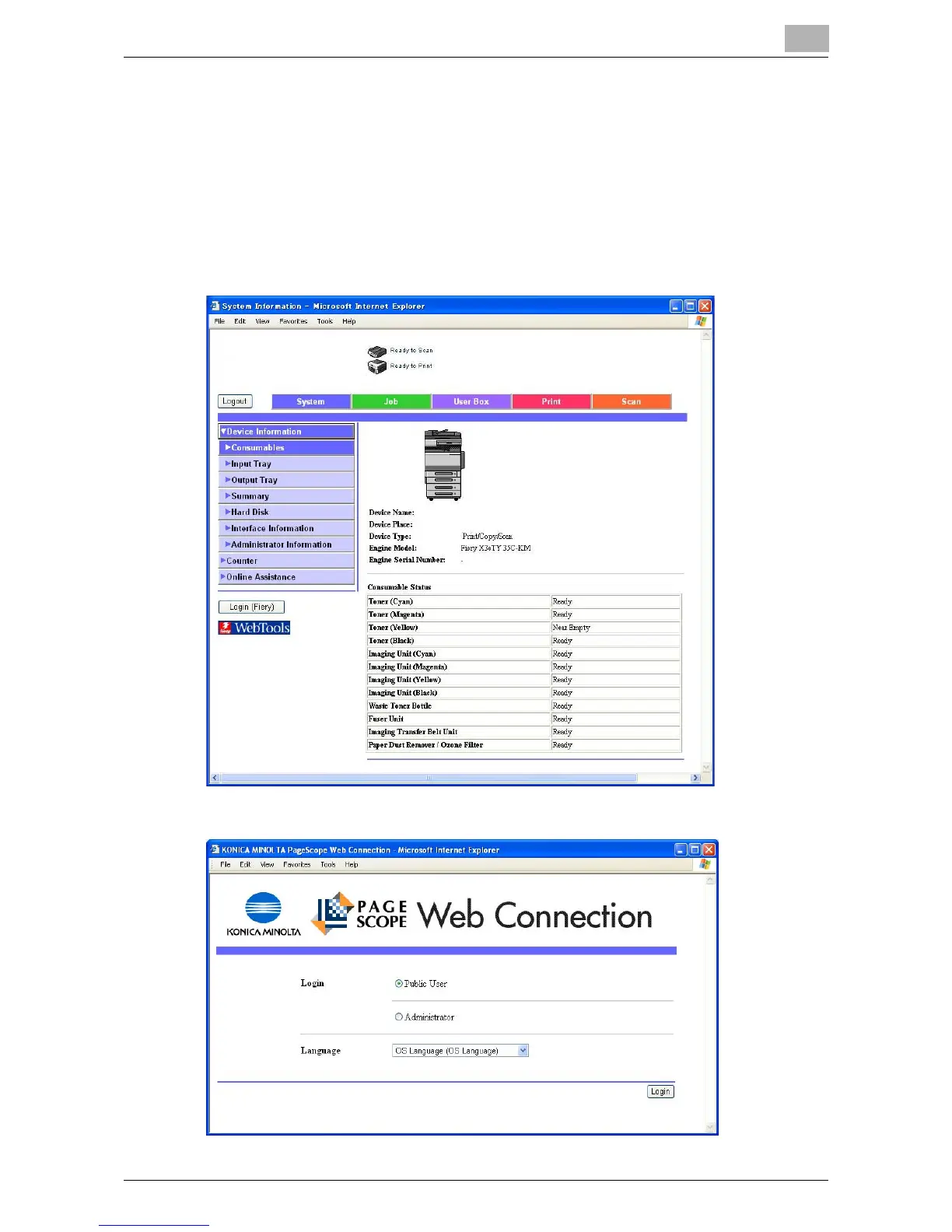
When PageScope Web Connection is accessed, the page for a public user
appears. In order to log on as a registered user or an administrator when user
authentication is performed, it is necessary to log off first, then log on again.
Logging Off
1 Click [Logout] at the upper left of the window.
The user is logged off, and the Login page appears.













 To Next Page