Before Using the Scan Functions
1
IC-402 1-15
1.7 Frequently Used Screens
This section describes the copier’s control panel screens that are frequently
used for specifying network scanning settings.
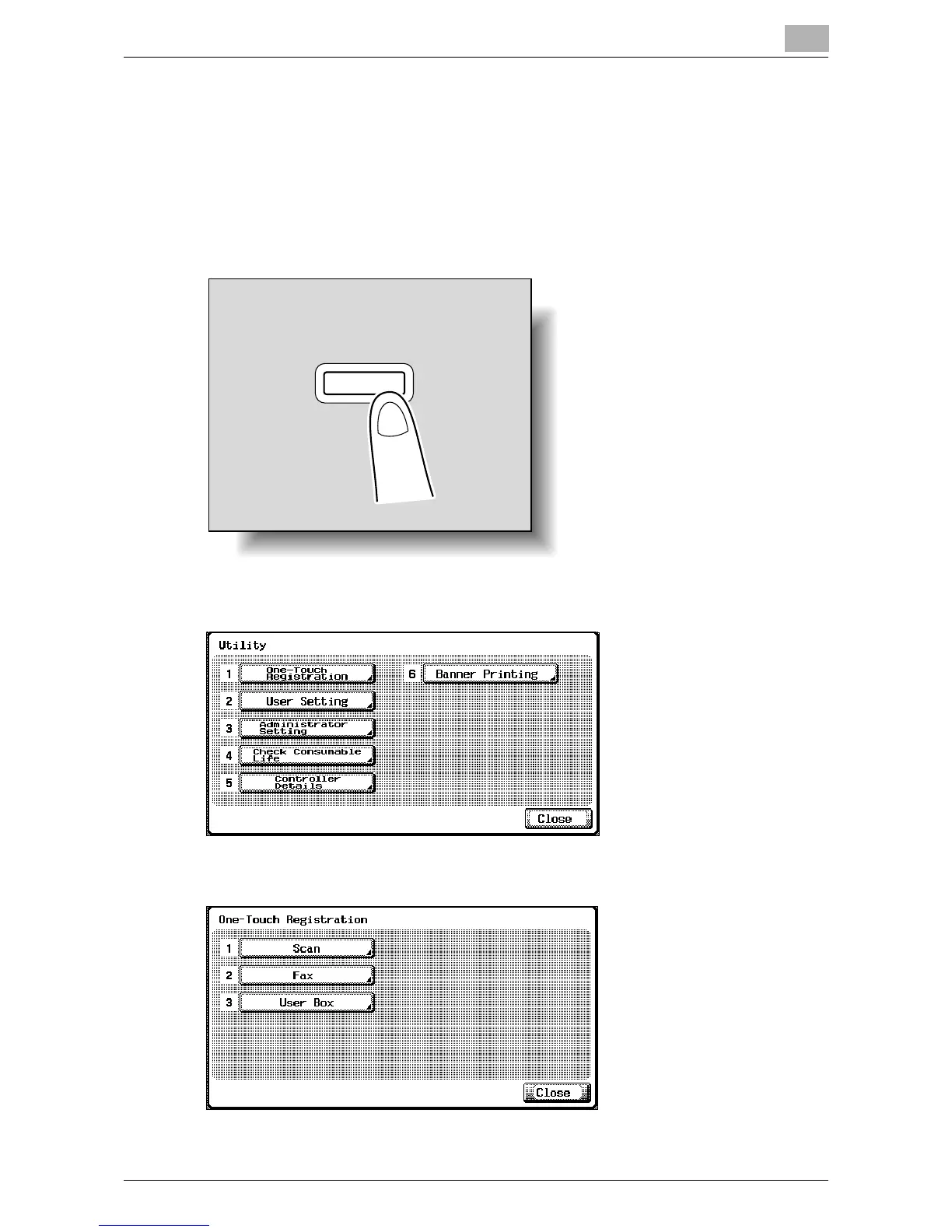
To display the Scan screen
1 Press the [Utility/Counter] key.
2 Touch [1 One-Touch Registration].
3 Touch [1 Scan].
Utility/
Counter













 To Next Page