Registering Destinations (Recipients) for Network Scanning
3
IC-402 3-18
3.3 Registering Program Destinations
Program destinations can be registered. With program destinations, scan
settings can be specified for a destination at the same time that the destina-
tion is being registered.
To register a program destination
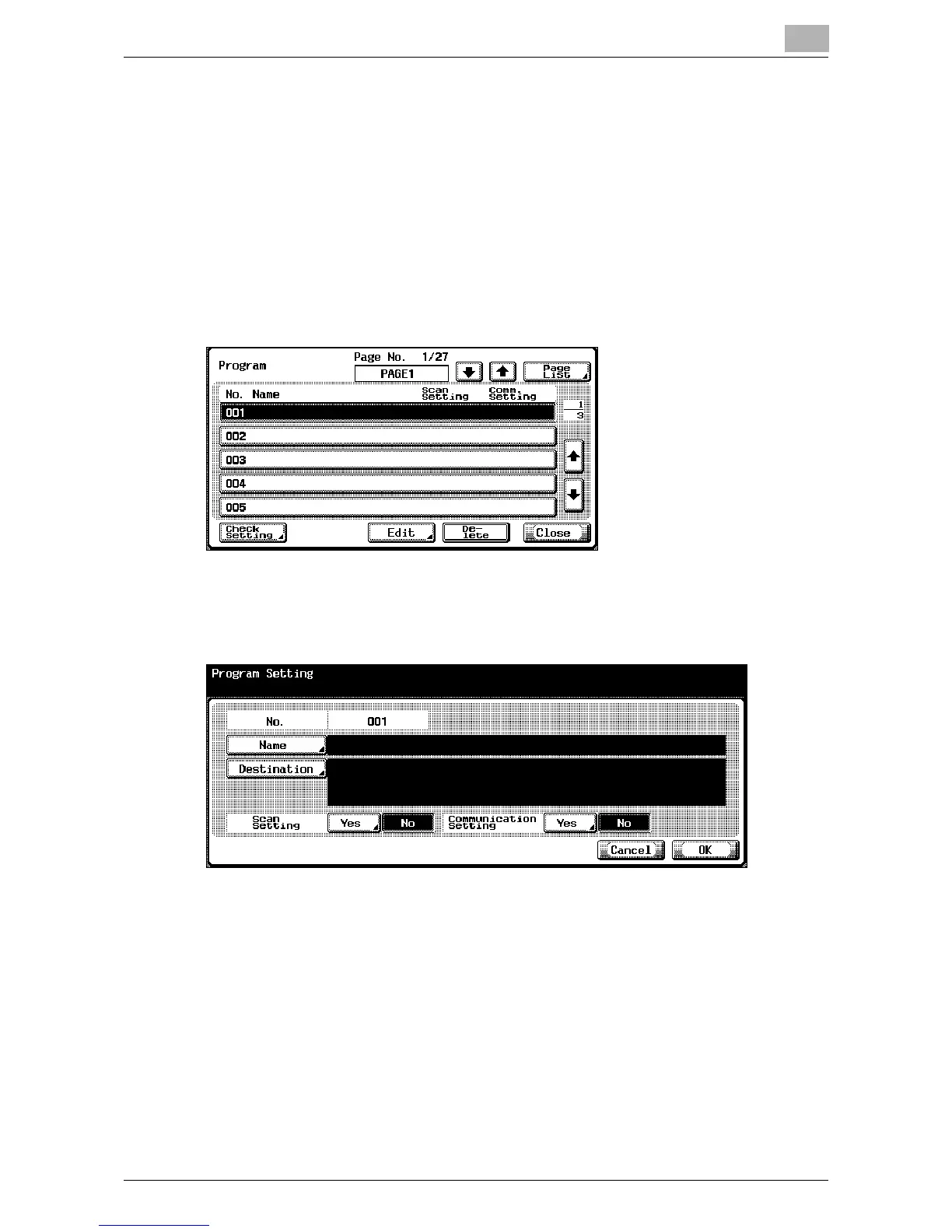
1 In the Scan screen, touch [3 Program].
2 Touch the button for the desired program number.
3 Touch [Edit].
The Program Setting screen appears.
4 Touch [Name] and type in the name using the keyboard that appears
on the screen.
5 Touch [OK].













 To Next Page