Using PageScope Web Connection
7
IC-402 7-7
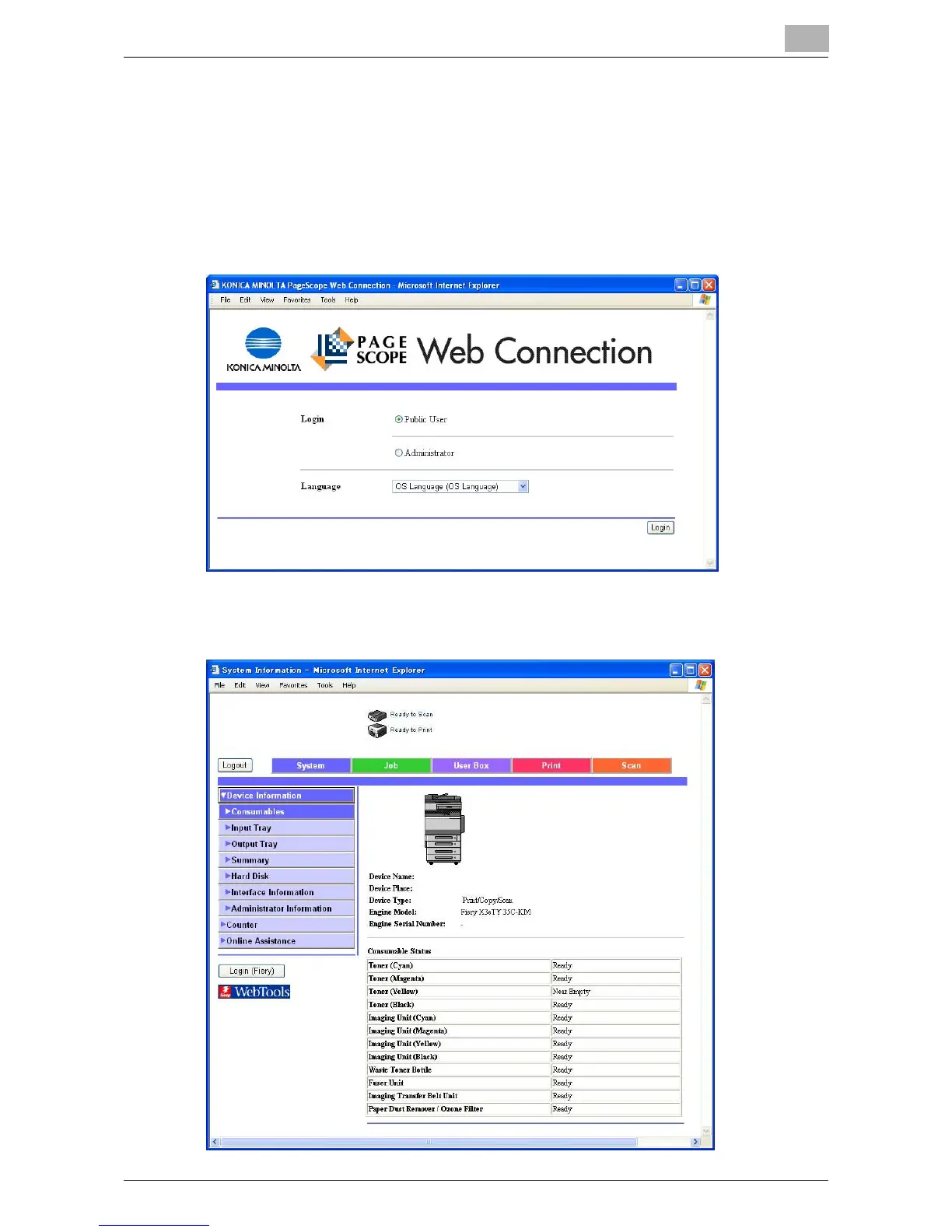
Logging On to User Mode (Public User)
There are two procedures for logging on to User mode: one for a registered
user and one for a public user. If user authentication is not performed, log on
as a public user.
1 In the Login page, select “Public User”.
– If necessary, select the display language from the drop-down list.
2 Click [Login].
The User mode page appears.













 To Next Page