Using PageScope Web Connection
7
IC-402 7-67
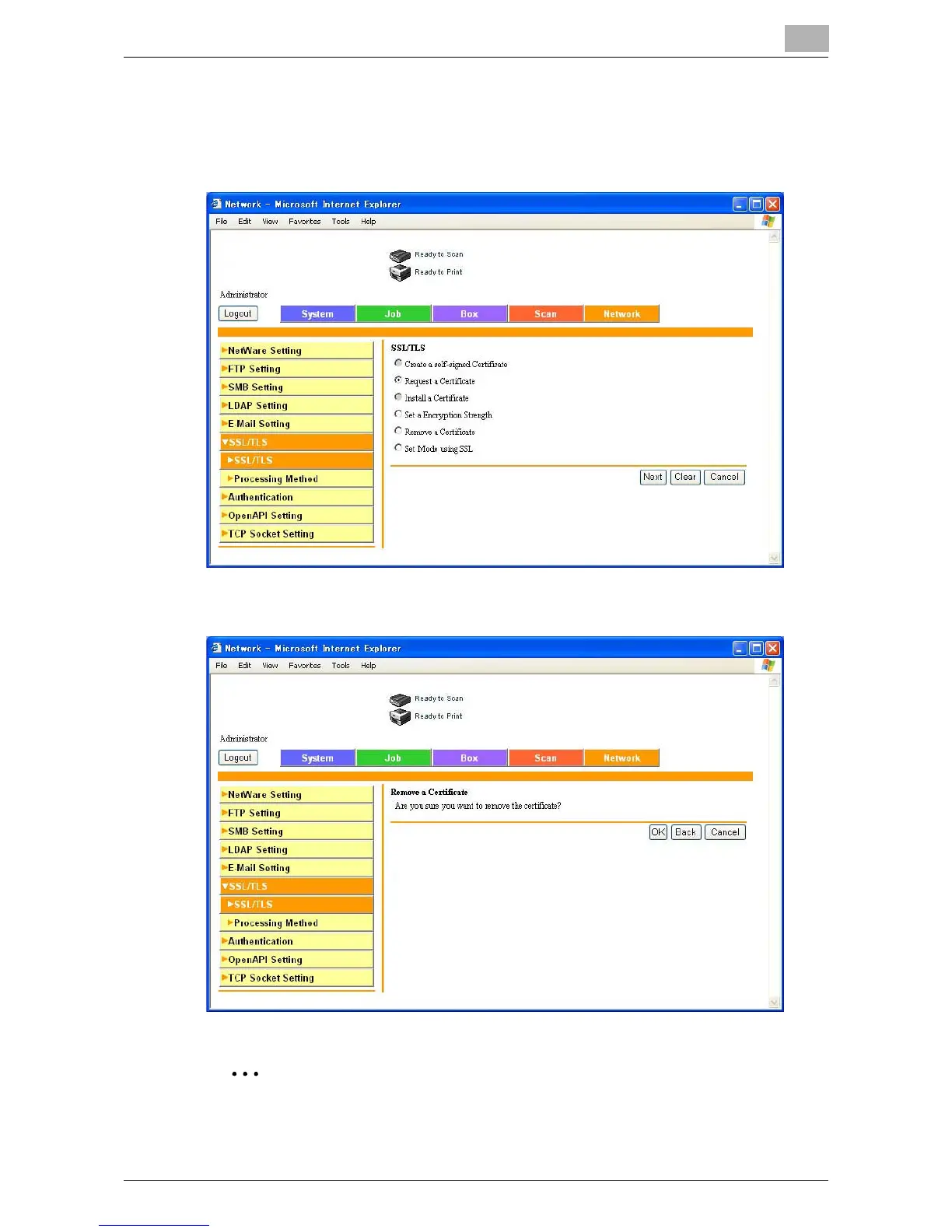
SSL/TLS Setting — Remove a Certificate
1 In the SSL/TLS page, select “Remove a Certificate”, and then click the
[Next] button.
2 Check the message, and then click the [OK] button.
2
Reminder
When the certificate is erased, be sure to turn the copier off, then on
again.













 To Next Page