Scanning Documents
2
IC-402 2-9
Selecting Group Addresses
“Group” refers to multiple destinations that are registered collectively. The
following procedure describes how to send data by selecting a group that
has been registered in advance.
For details on registering groups, refer to “Registering Group Destinations”
on page 3-16.
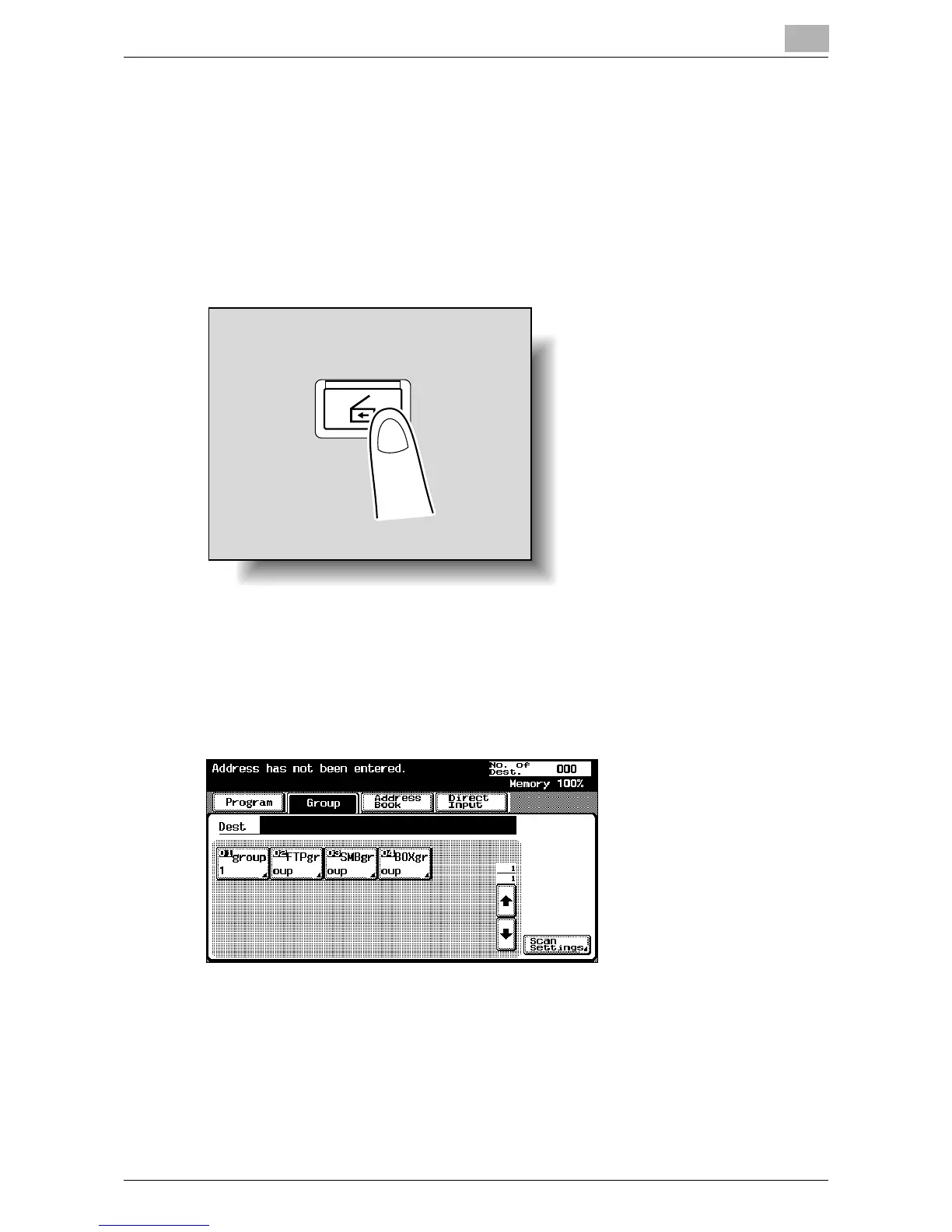
1 Press the [Scan] key on the control panel.
The Scan mode screen appears.
2 Touch [Group].
Touching the button for a group displays the list of members registered
in the group.
Scan













 To Next Page