Copier Network Functions
6
IC-402 6-43
To specify the notification schedule settings
1 In the Total Counter Report Setting screen, touch [Schedule1].
The Schedule1 setting screen appears.
2 Specify the report period.
3 Touch [OK].
The Total Counter Report Setting screen appears again.
2
Note
To cancel changes to the setting, touch [Cancel].
Notification Address Setting
You can specify the e-mail addresses for sending the total counter. You can
specify up to three addresses. An example for specifying “Address1” is de-
scribed below.
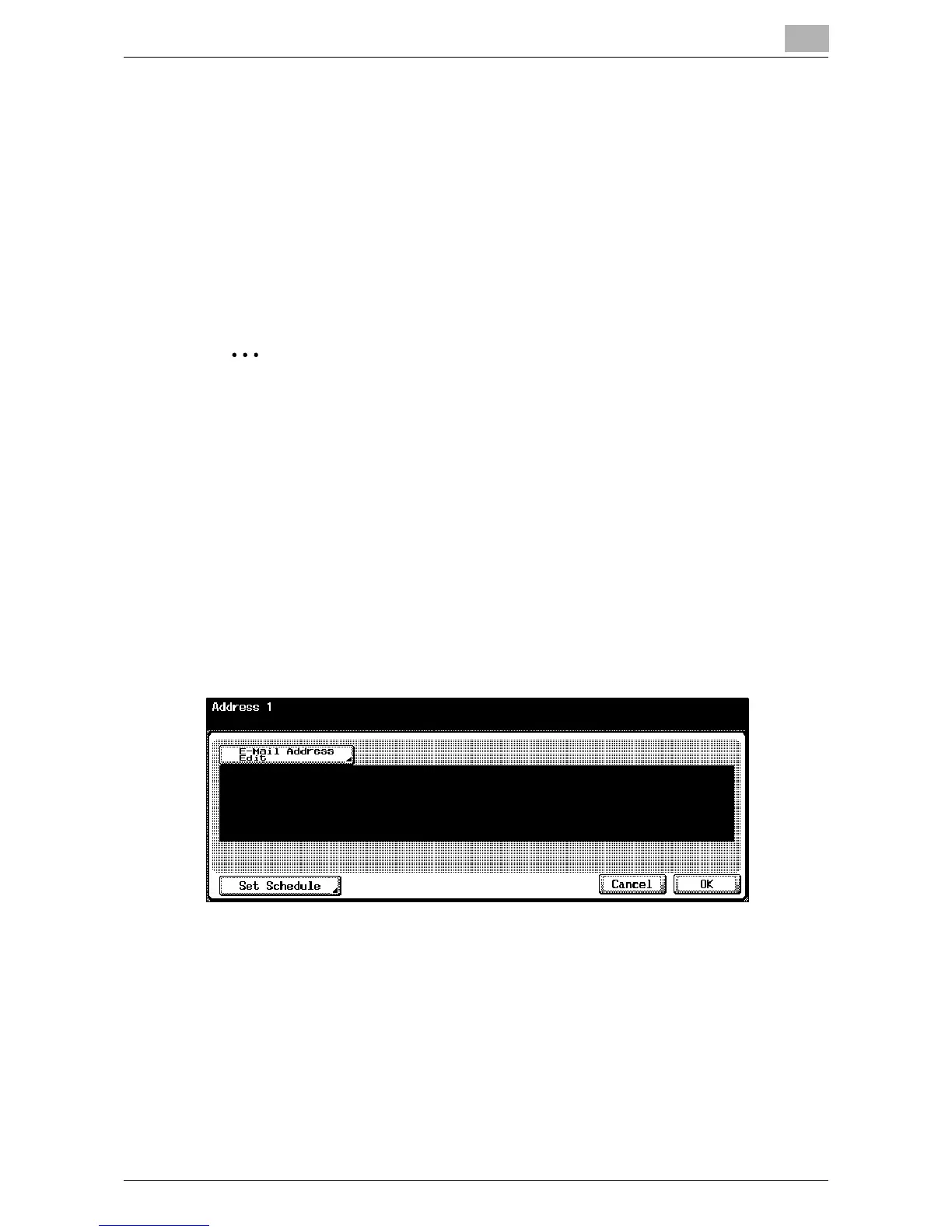
1 In the Total Counter Report Setting screen, touch [Address1].
The Address1 screen appears.
2 Touch [E-Mail Address Edit], and then use the keyboard that appears
to type in the e-mail address (up to 255 characters).
3 Touch [OK].
4 Touch [Set Schedule].
The Set Schedule screen appears.













 To Next Page