Using PageScope Web Connection
7
IC-402 7-36
To register the subject
When sending e-mail with a fixed subject
0 Select the “E-Mail Default” check box.
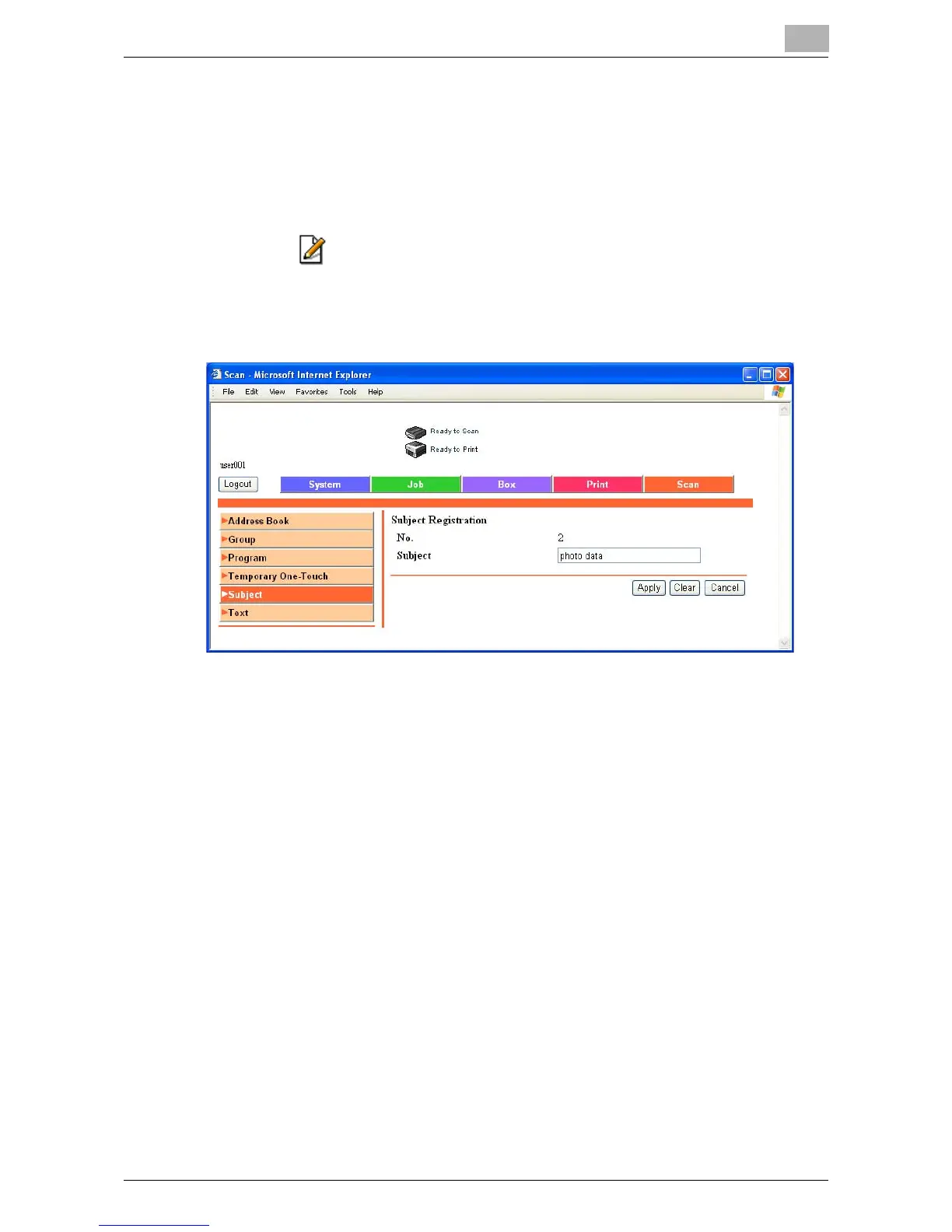
1 Click the Scan tab, and then click “Subject”.
2 Click beside the subject to be registered or edited.
The registration page appears.
3 Enter the subject, and click [Apply].













 To Next Page