Scanning Documents
2
IC-402 2-81
2.9 Checking the Scan Job List
A job list of scanner transmissions can be displayed from the control panel.
!
Detail
For details on the function of each button, refer to the User’s Guide [Copy
Operations] included with the copier.
Displaying the Job List for Scan to E-mail, Scan to FTP and Scan to SMB
Operations
1 Touch [Job List].
The Print tab of the Job List screen appears.
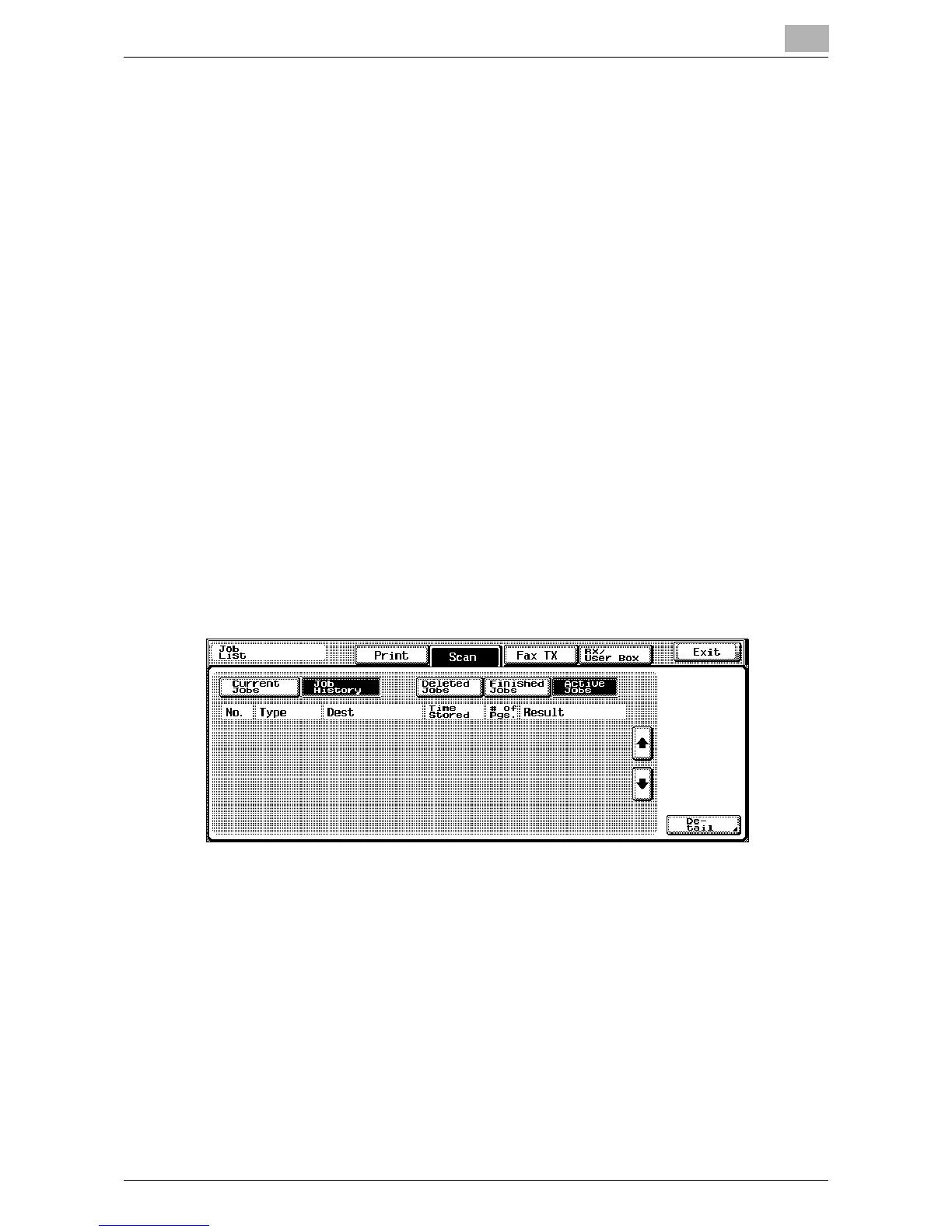
2 Touch [Scan].
The Current Jobs list of the Scan tab appears.
The list of scan jobs does not appear when [Scan], then [Current Jobs]
is touched.
3 Touch [Job History].
The Active Jobs list appears in the Job History list of the Scan tab.
4 Touch the button corresponding to the desired list.
– Deleted Jobs: Jobs are not displayed.
– Finished Jobs: Displays jobs that were scanned.
– Active Jobs: Displays jobs that were scanned.
The Job History list is displayed.













 To Next Page