Copier Network Functions
6
IC-402 6-13
To specify Setting Up LDAP settings
1 In the Administrator Setting screen, touch [5 Network Setting]. (Refer to
page 1-17 for more details.)
2 In the Network Setting screen, touch [4 LDAP Setting].
3 In the LDAP Setting screen, touch [2 Setting Up LDAP].
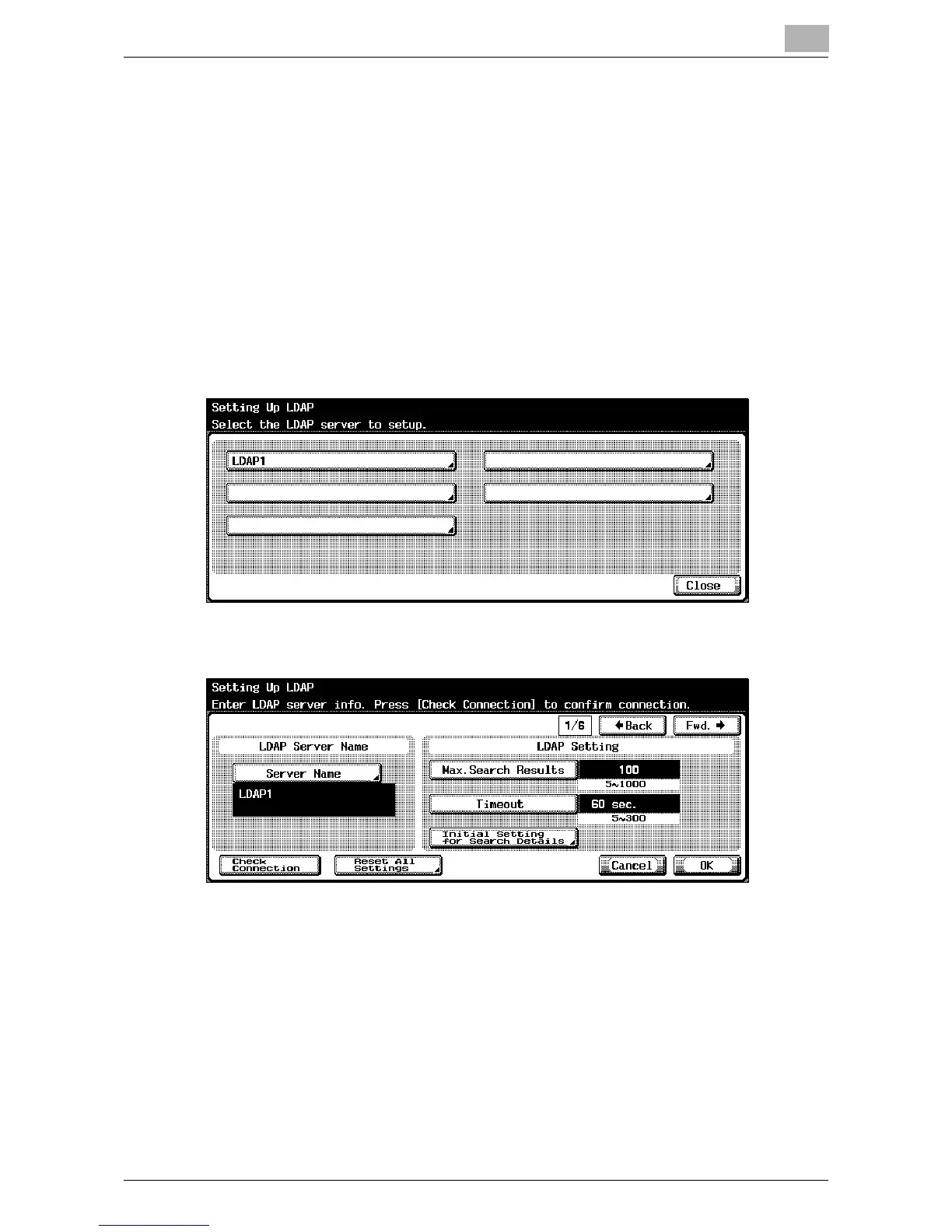
Setting Up LDAP screen appears.
4 Touch the LDAP server button to register and specify the setting.
Setting Up LDAP screen 1/6 appears.
5 Specify the desired settings.
6 Touch [Fwd.→].
Setting Up LDAP screen 2/6 appears.













 To Next Page