Scanning Documents
2
IC-402 2-15
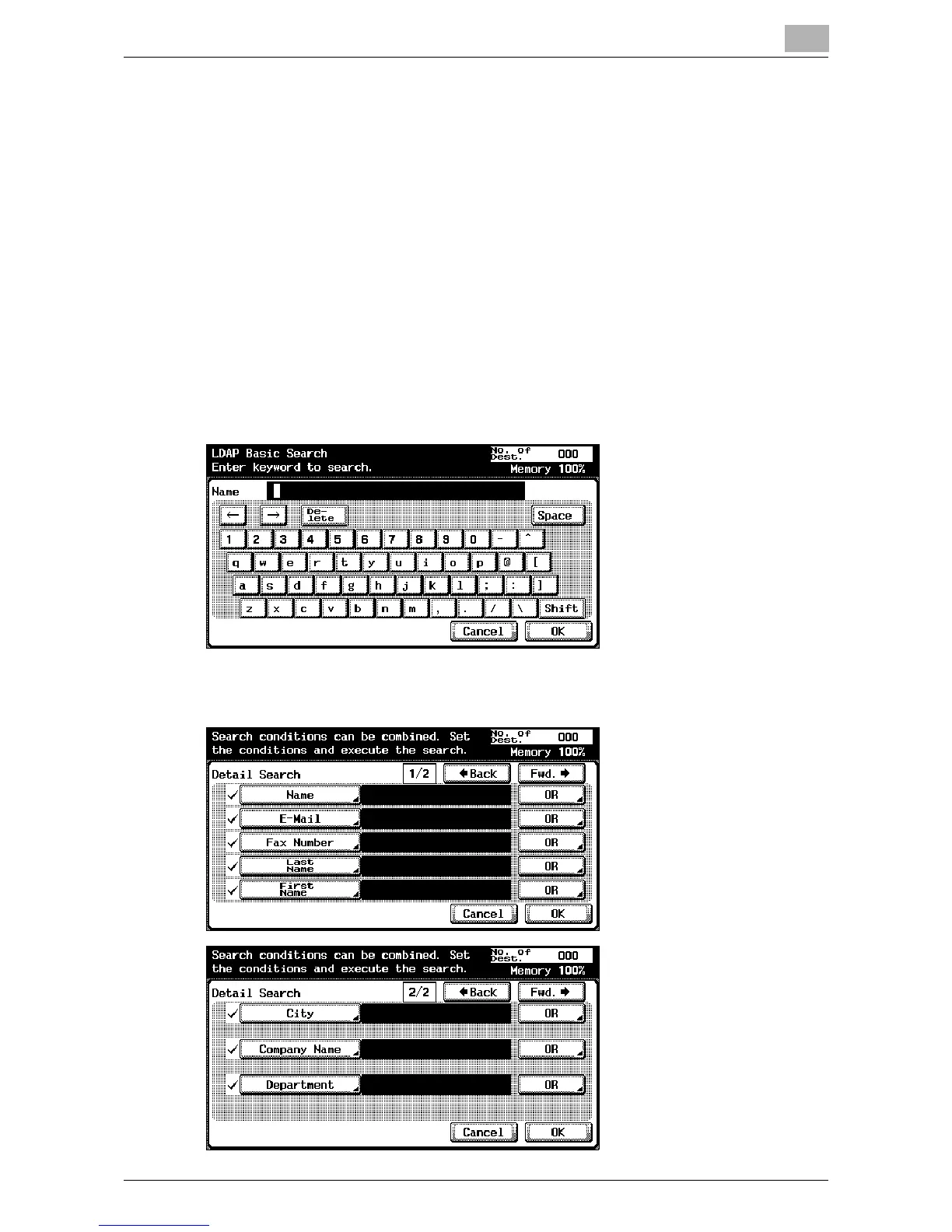
Performing an LDAP Search
Searches the address that meets the conditions from the addresses regis-
tered on the LDAP server.
A “Basic Search” in which a keyword is entered and a “Advanced Search” in
which multiple conditions are used to narrow down the search are available.
!
Detail
To perform LDAP searches, the LDAP server settings that are specified
in Administrator Setting are required. For details, refer to “Enabling LDAP
Settings” on page 6-8.
Basic Search
Advanced Search













 To Next Page