Copier Network Functions
6
IC-402 6-5
6.2 FTP Settings
The copier FTP server settings can be specified. The FTP server function is
not related to the server transmission (FTP) used with the network scan func-
tions.
FTP Parameters
The FTP parameters are as follows:
To specify FTP settings
1 In the Administrator Setting screen, touch [5 Network Setting]. (Refer to
page 1-17 for more details.)
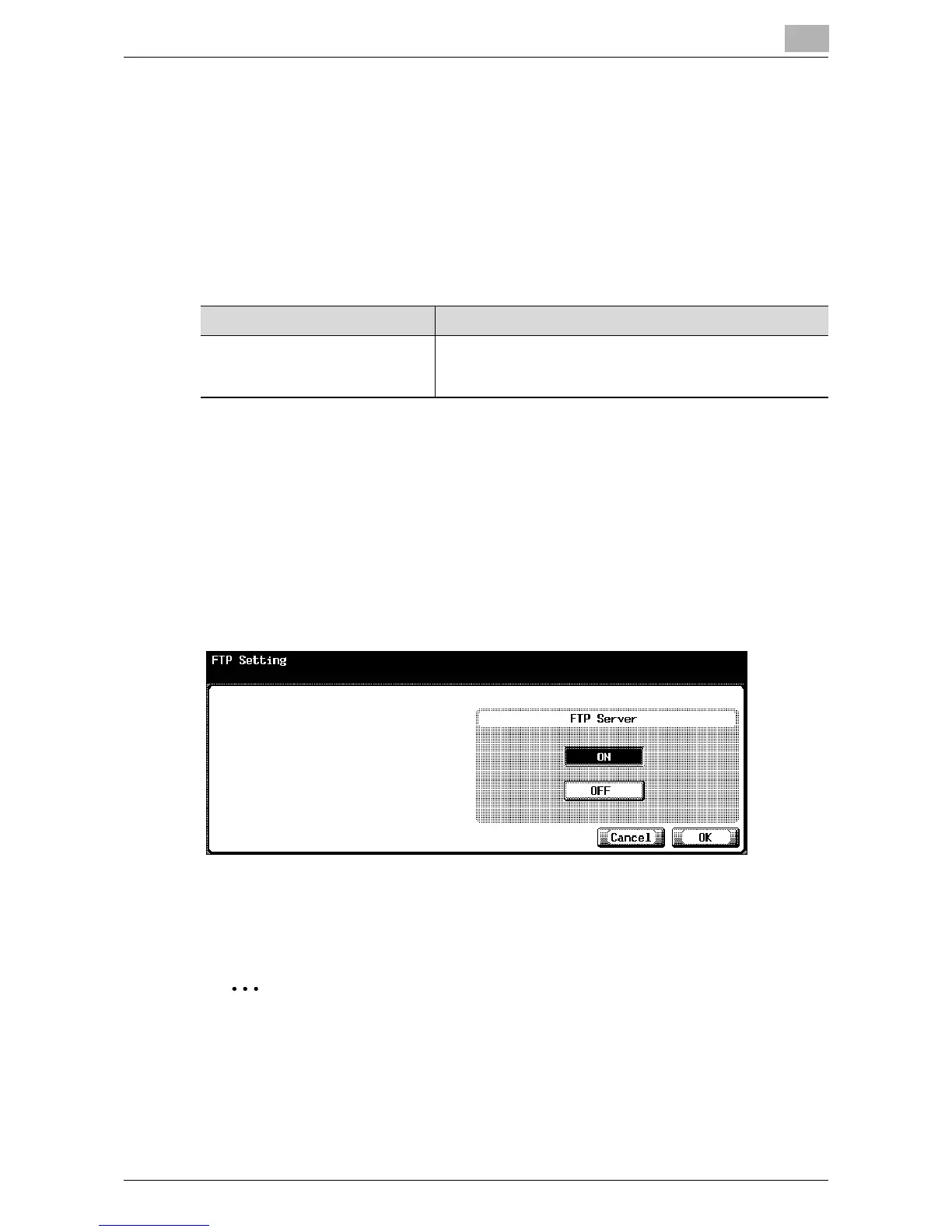
2 In the Network Setting screen, touch [2 FTP Setting].
FTP Setting screen appears.
3 Specify the desired settings.
4 Touch [OK].
The FTP settings are applied.
2
Note
To quit specifying the Utility mode setting, touch [Exit] in the sub display
area. Otherwise, cancel the Utility mode by touching [Close] in each
screen until the screen for the Copy, Fax, Scan or Box mode appears.
Item Description
FTP Server When using the copier as an FTP server, select “ON”. When
using an application that links to the copier as an FTP client
of the copier, “ON” must be selected.













 To Next Page