Scanning Documents
2
IC-402 2-49
To save data to the specified mailbox
Specifying the mailbox where the data is to be saved directly from the copi-
er’s control panel is called “direct input”.
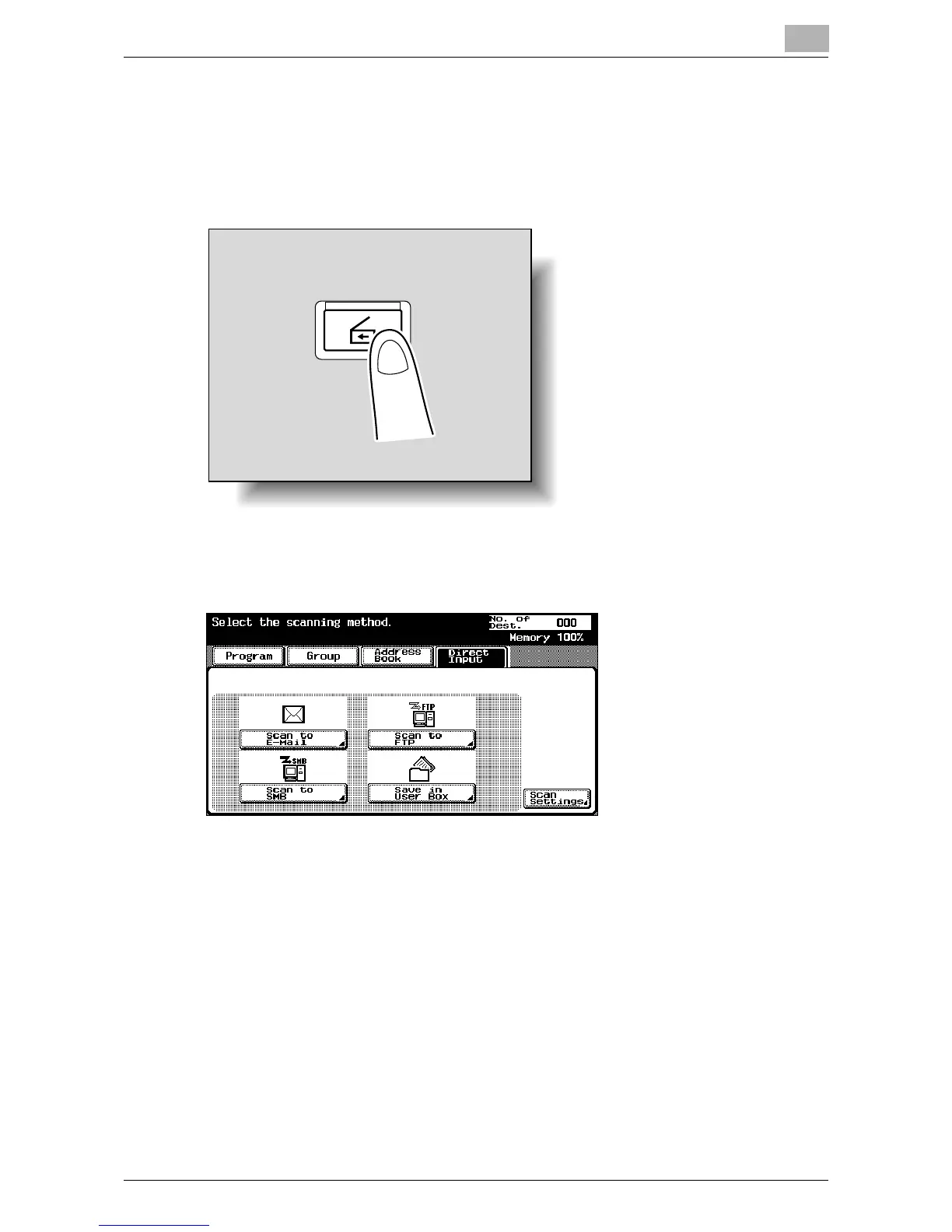
1 Press the [Scan] key in the control panel.
The Scan mode screen appears.
2 Touch [Direct Input], then [Save in User Box].
A screen appears, allowing you to enter the mailbox name.
?
Why is the Direct Input tab not displayed?
% If the “Manual Destination Input” parameter on the Security Details
screen (displayed by touching [9 Security Setting] on the Adminis-
trator Setting screen) is set to “Restrict”, the Direct Input tab does
not appear.
?
Why does [Save in User Box] not appear?
% If “3 Network Function Setting” (displayed by touching [9 Security
Setting] on the Administrator Setting screen, then [7 Management
Function Setting]) is set to “Disable”, [Save in User Box] does not
appear.
Scan













 To Next Page