Using PageScope Web Connection
7
IC-402 7-41
7.15 Box Tab (Image Controller Administrator Mode)
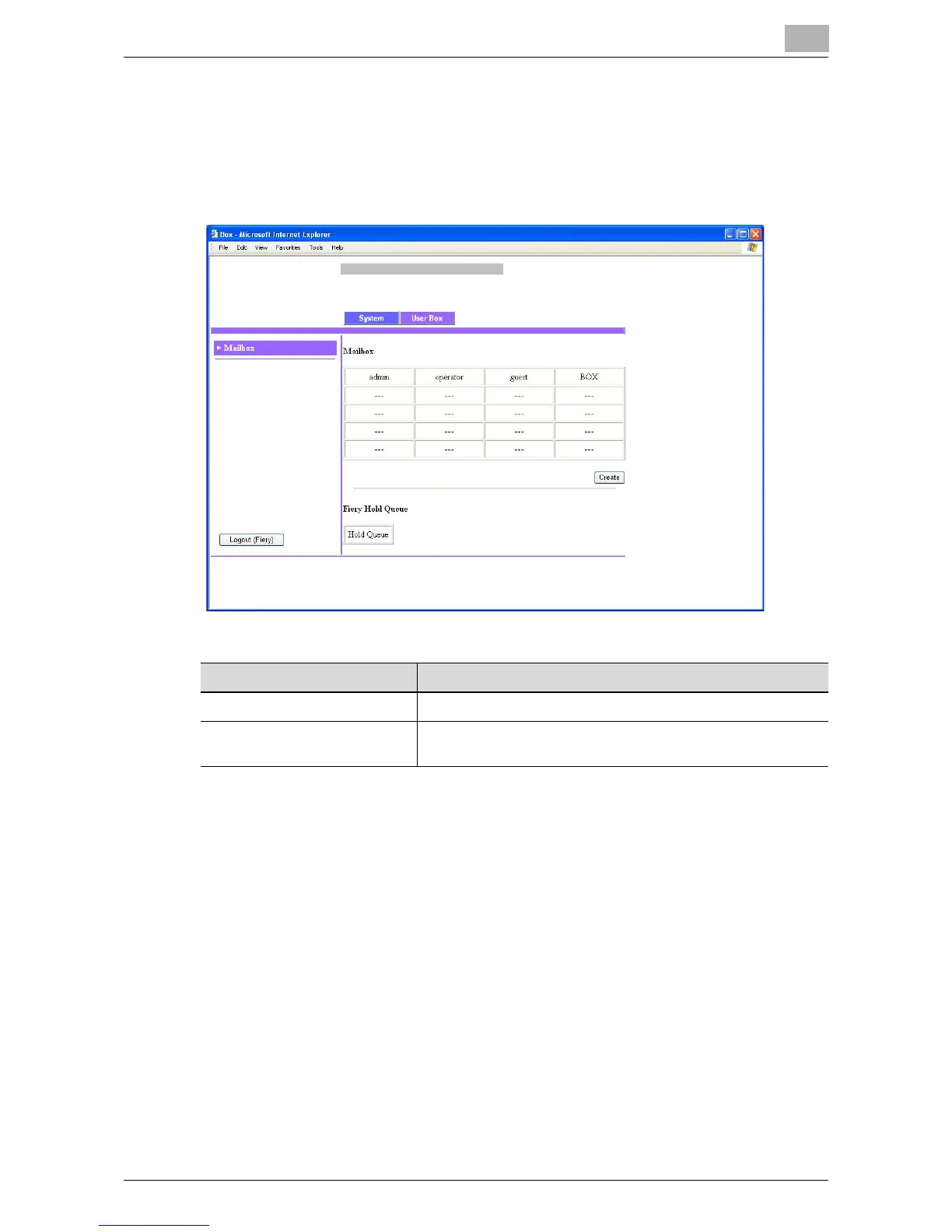
Mailbox
A mailbox can be created on the hard disk of the image controller.
!
Detail
As a default, three boxes (“admin”, “operator”, and “guest”) have been
created. A maximum of 20 boxes (including “admin”, “operator”, and
“guest”) can be created.
Item Description
Create button Click to create a new box.
Hold Queue button Shows the image controller’s Hold Queue index. Click the but-
ton to show a list of files in the Hold Queue.













 To Next Page