Other Network Scanning Settings
4
IC-402 4-14
Prefix/Suffix Setting
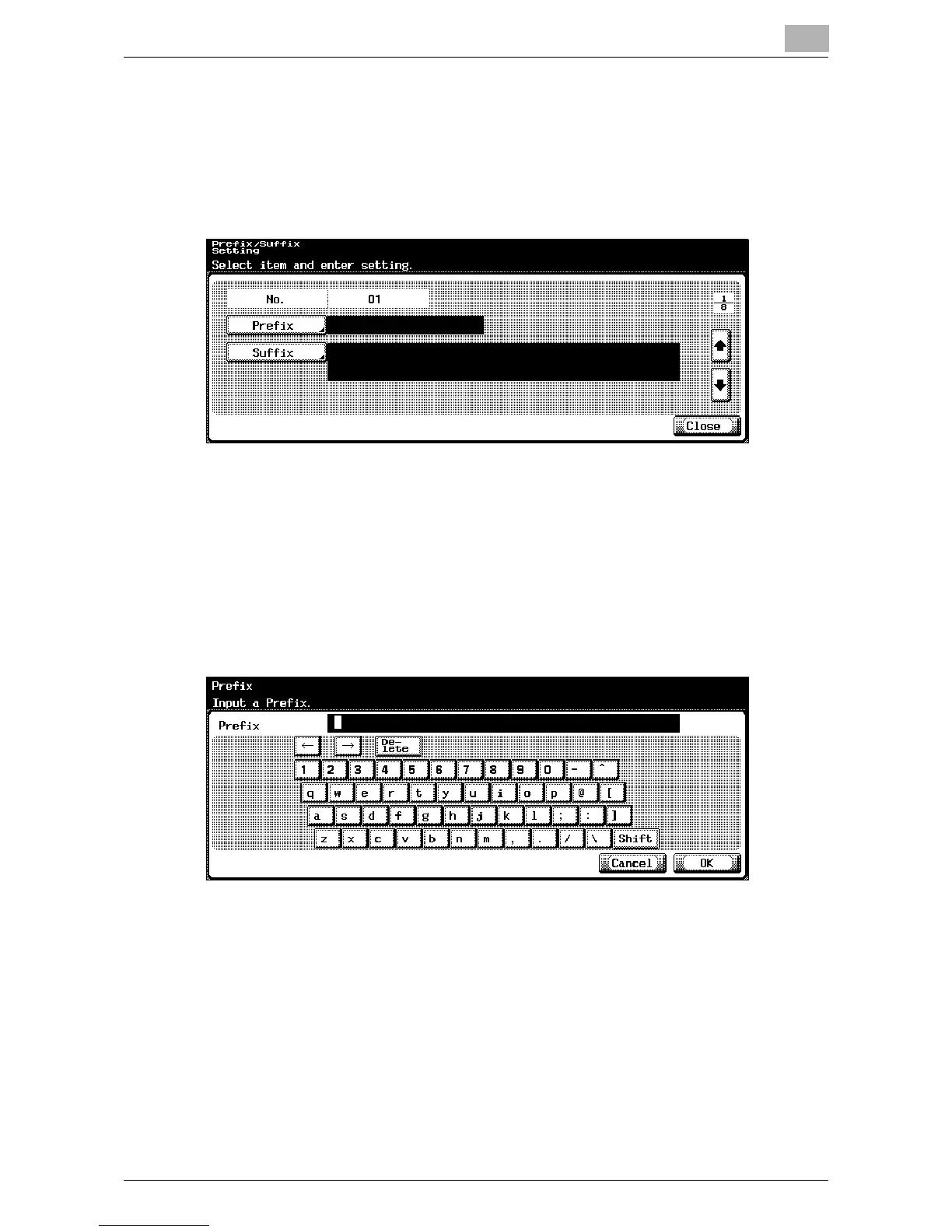
The strings can be registered to be used by the prefix/suffix input function.
1 In the Prefix/Suffix Setting screen, touch [2 Prefix/Suffix Setting].
The Prefix/Suffix Setting screen appears.
2 Touch [Prefix].
The Prefix screen appears.
3 Enter the character string that is to be used as a prefix (up to 20 char-
acters).
– For the procedure to enter characters, refer to “Entering Text” on
page 9-2.













 To Next Page