Other Network Scanning Settings
4
IC-402 4-13
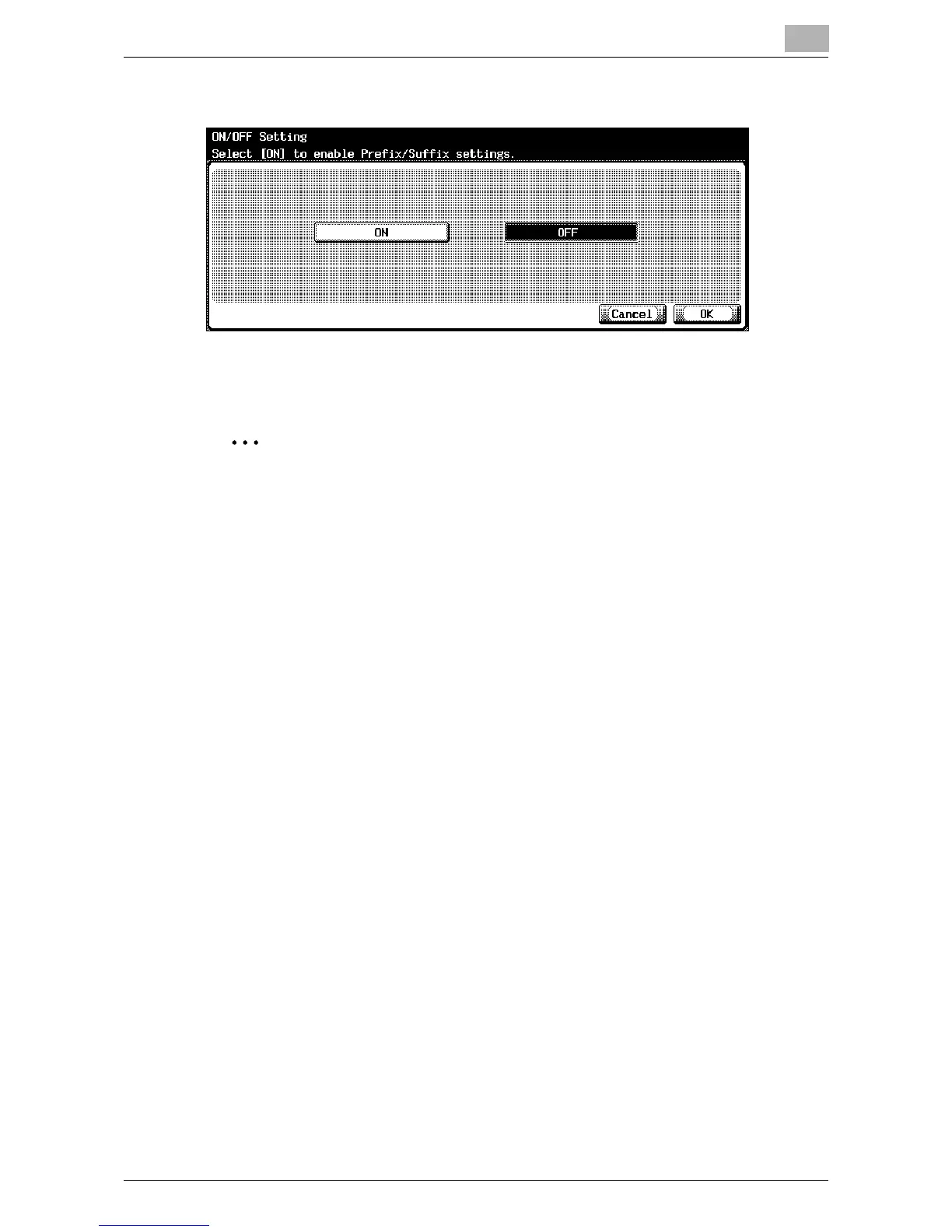
4 Touch [Prefix/Suffix], and then select the desired setting.
The prefix/suffix is set.
If [ON] is selected, continue with the registration of prefixes/suffixes.
2
Note
To quit specifying the Utility mode setting, touch [Exit] in the sub display
area or press the [Utility/Counter] key. Otherwise, cancel the Utility mode
by touching [Close] in each screen until the screen for the Copy, Fax,
Scan or Box mode appears.













 To Next Page