Using PageScope Web Connection
7
IC-402 7-20
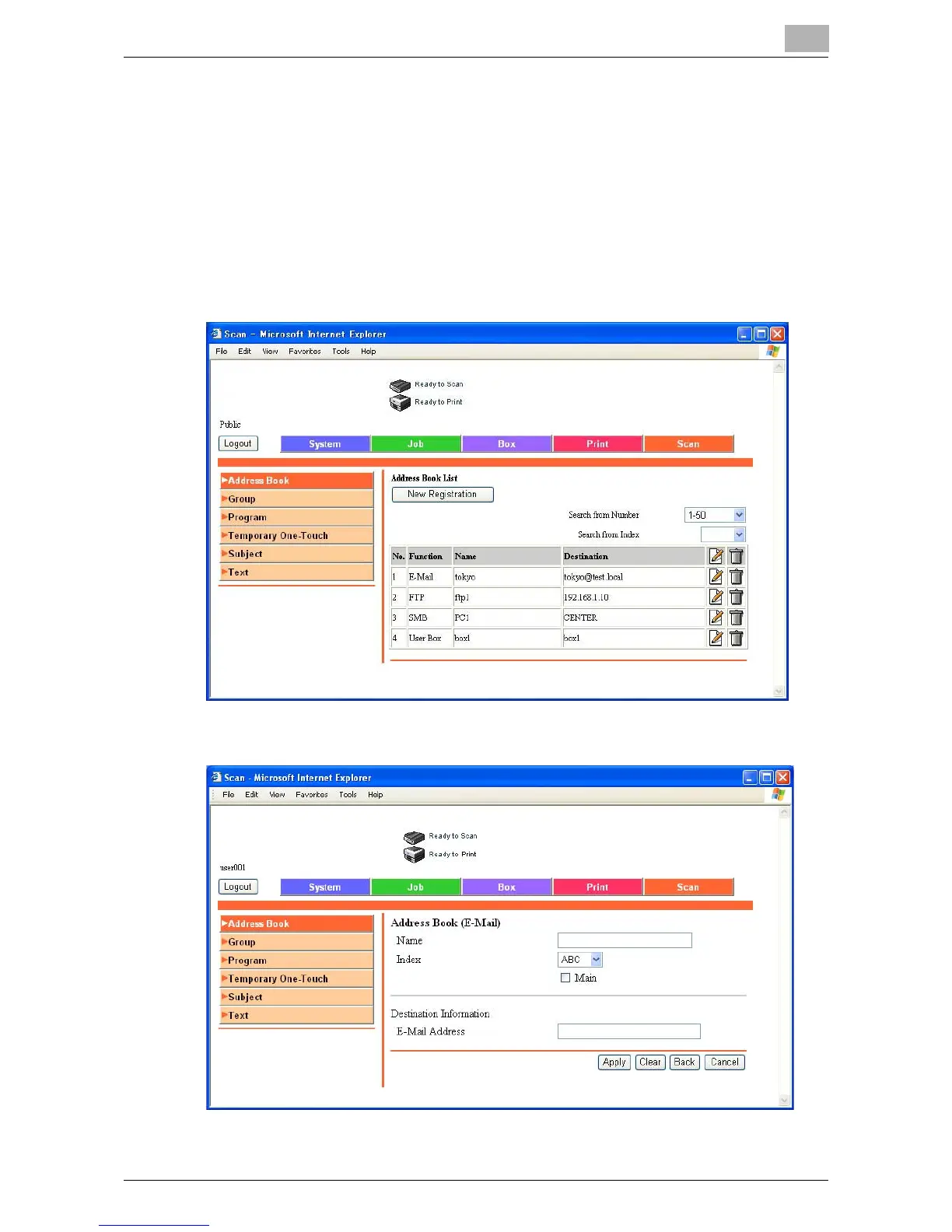
To register new destinations in the address book
1 Click the Scan tab, and then click “Address Book”.
2 Click [New Registration].
A page for selecting the transmission mode appears.
3 Select the transmission mode and click [Next].
The registration page appears.
4 Enter the settings, and click [Apply].













 To Next Page