Other Network Scanning Settings
4
IC-402 4-10
4.3 Setting the Save Format of the Data to Be Scanned
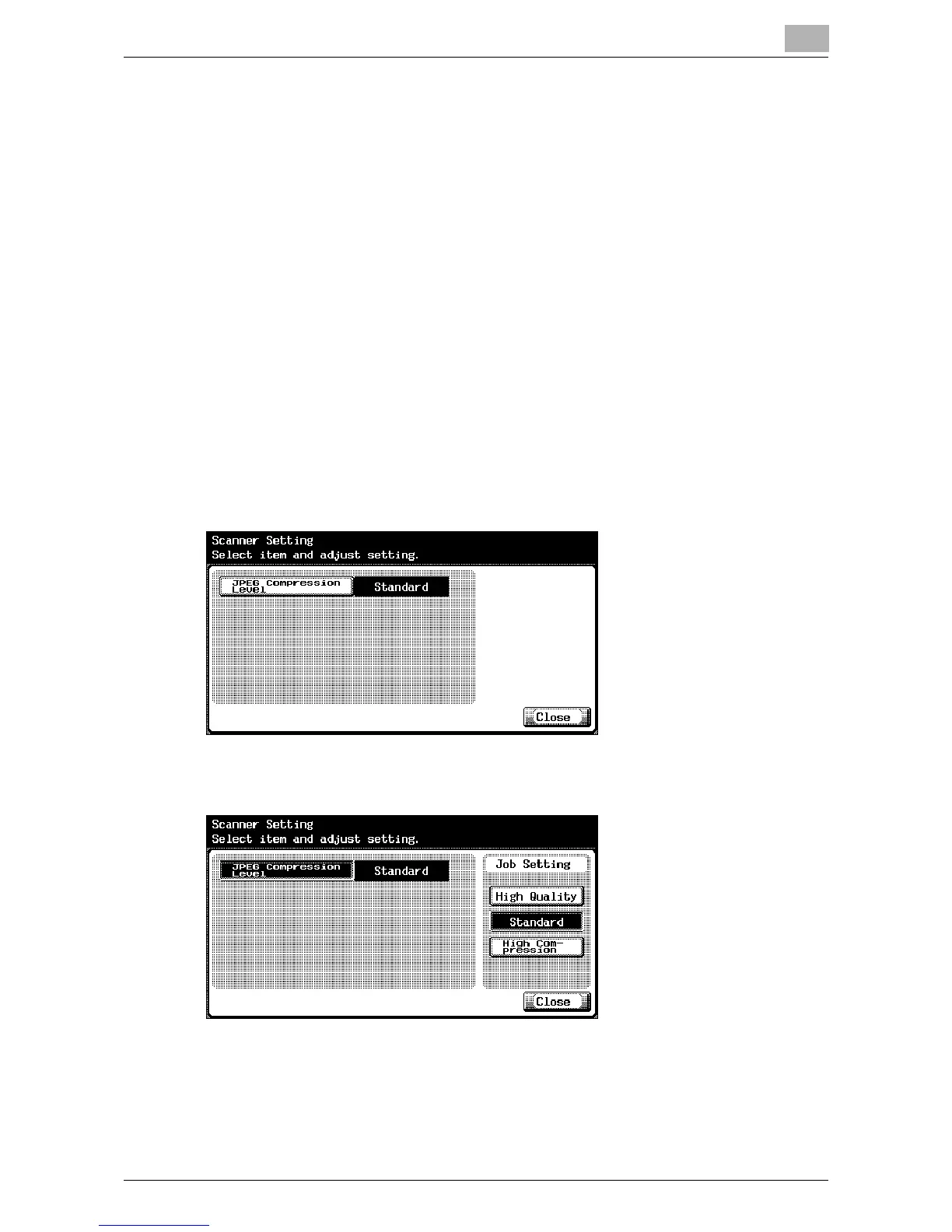
JPEG Compression Level
The JPEG compression level can be specified. (Default setting: Standard)
- [High Quality]:
The data size is large, but the image is of high quality.
- [Standard]:
The size and quality are between “High Quality” and “High Compres-
sion”.
- [High Compression]:
The data size is small, but the image is of low quality.
To specify the compression level
1 In the User Setting screen, touch [5 Scanner Setting]. (Refer to
page 1-16 for more details.)
2 Touch [JPEG Compression Level].
3 Touch the button for the desired setting.













 To Next Page