Copier Network Functions
6
IC-402 6-39
4 Specify the desired settings.
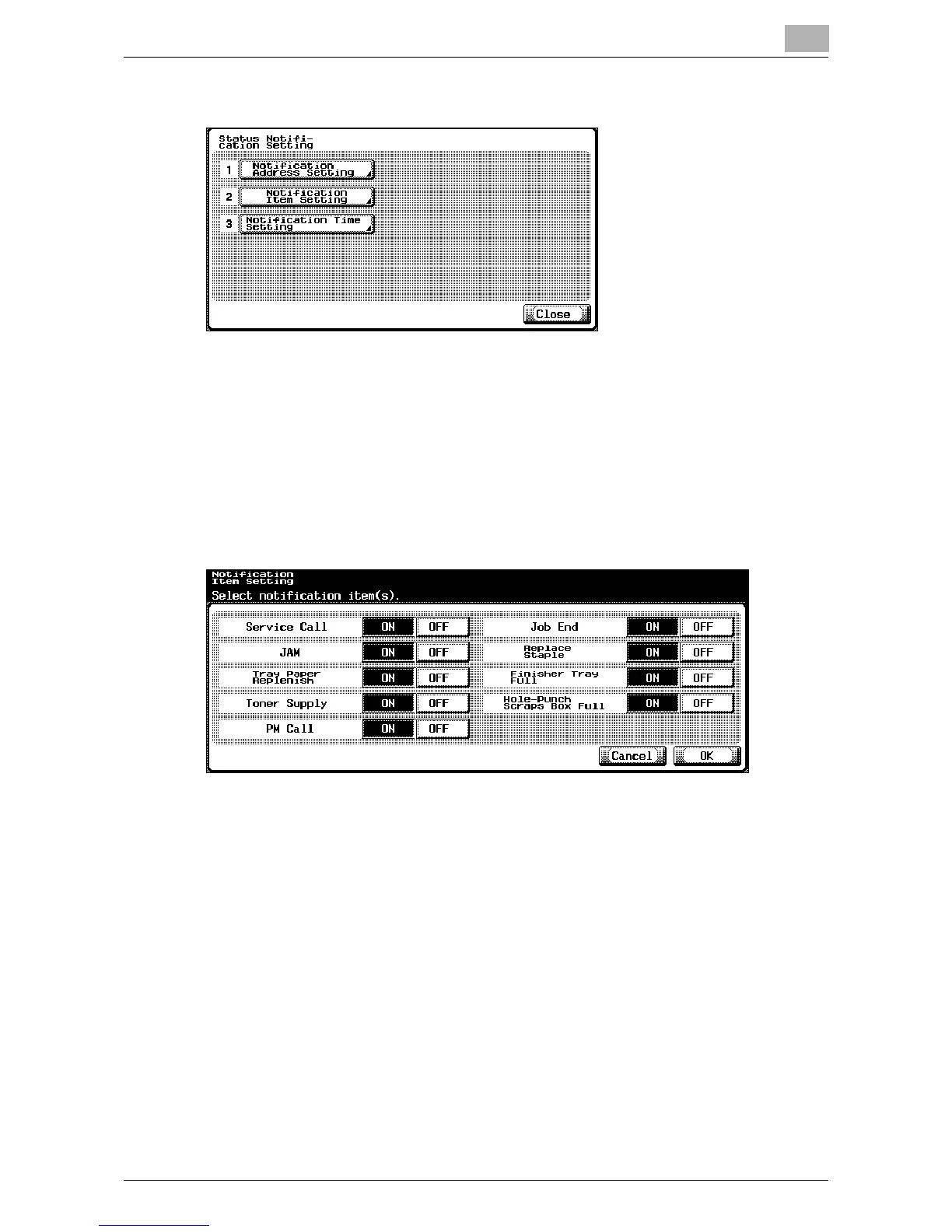
Notification Item Setting
The conditions under which notification of the copier’s status is to be sent by
e-mail can be specified.
1 In the Status Notification Setting screen, touch [2 Notification Item Set-
ting].
The Notification Item Setting screen appears.
2 Touch [ON] or [OFF] for each item.
3 Touch [OK].
– To cancel changes to the setting, touch [Cancel].
The conditions are set for sending notification of the copier’s status by
e-mail.













 To Next Page