Using PageScope Web Connection
7
IC-402 7-65
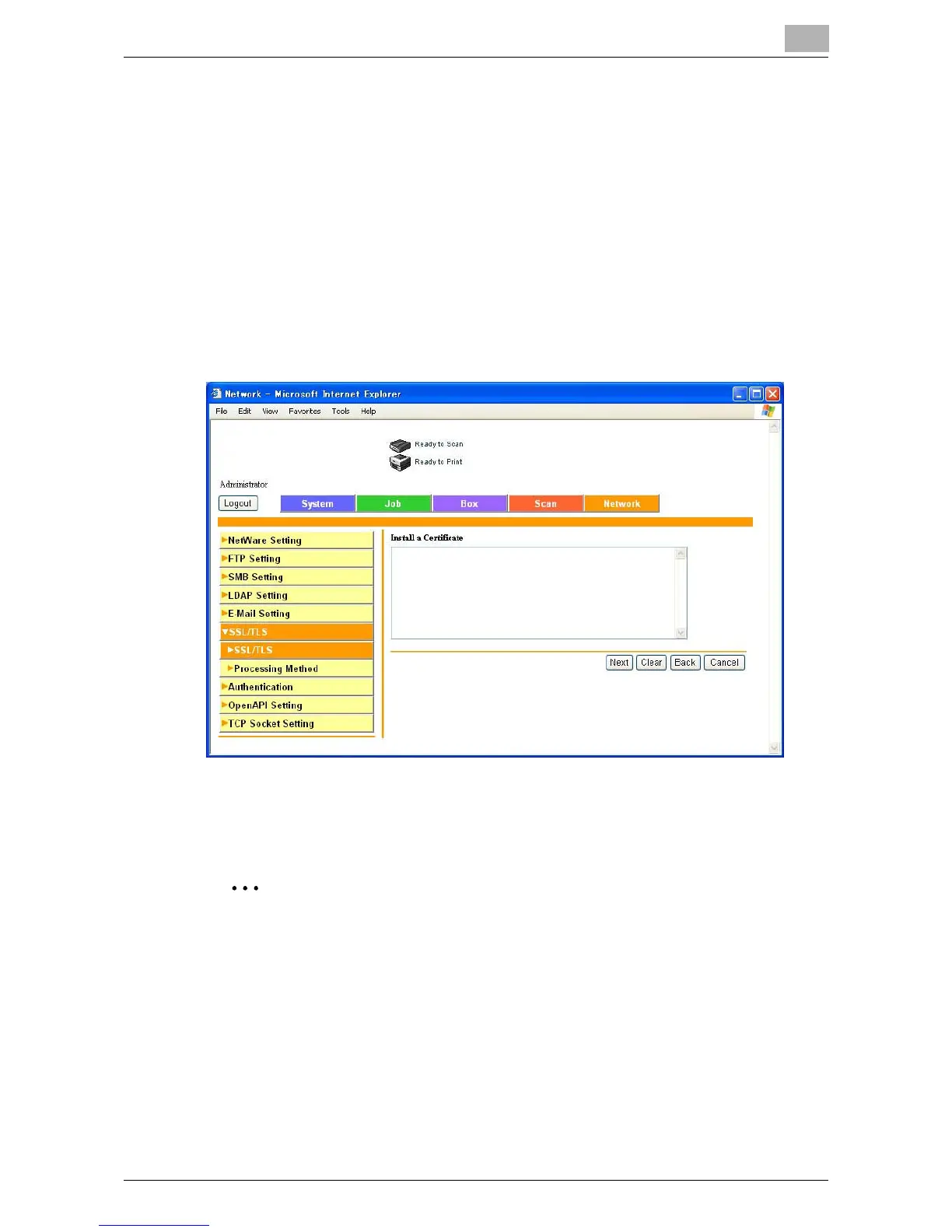
SSL/TLS Setting — Install a Certificate
Install the certificate issued by the Certificate Authority.
1 Click [Setting].
A page for selecting the function appears.
2 Select “Install a Certificate”, and then click [Next].
A text input page appears.
3 Copy the issued certificate information and paste in the text. Then,
click [Next].
4 Select the encryption level and operation mode, and then click the [In-
stall] button.
2
Reminder
If a new certificate has been created, log out once from Administrator
mode.













 To Next Page