Using PageScope Web Connection
7
IC-402 7-40
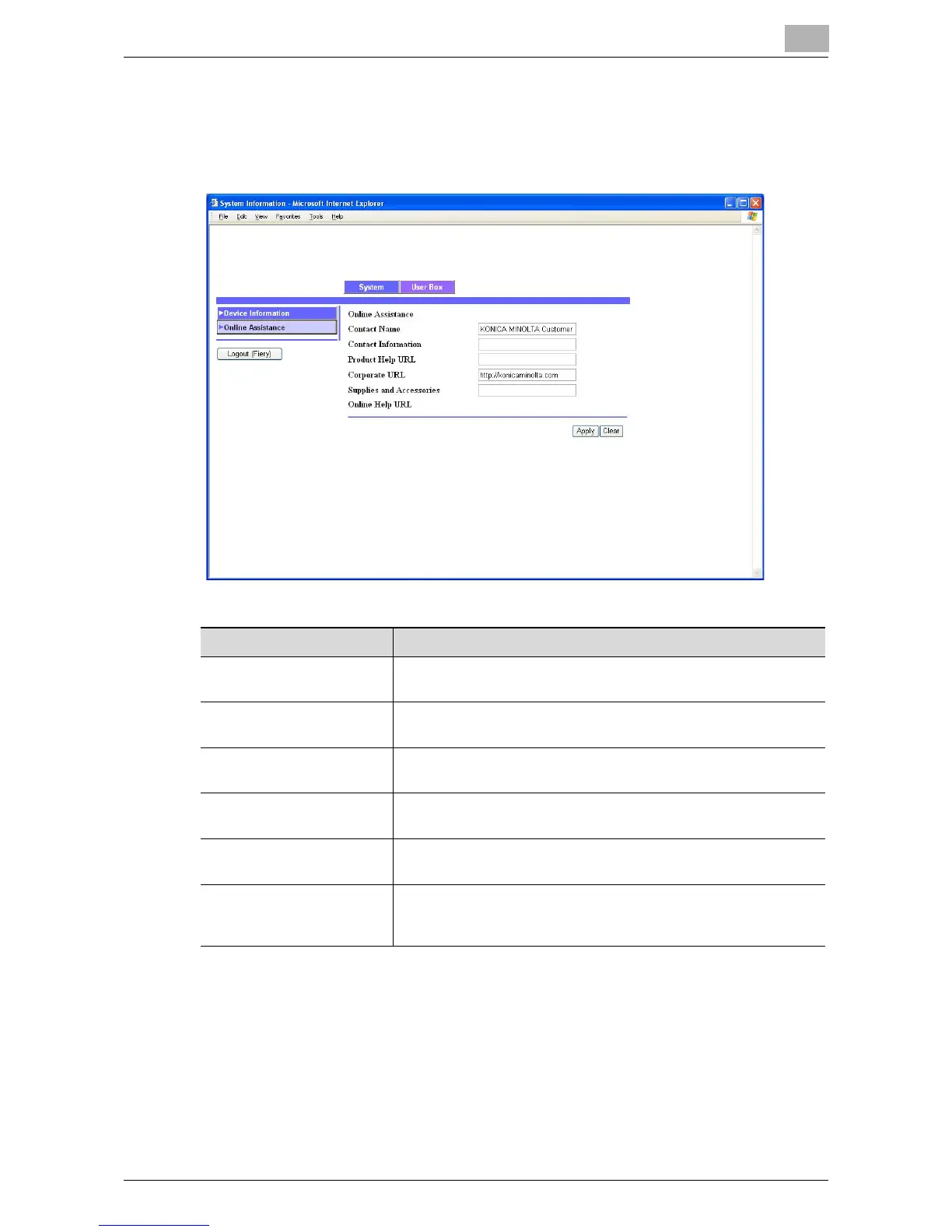
Online Assistance
You can changed the online support information. To display this information
click the System tab in the User mode, and then click “Online Assistance”.
Item Description
Contact Name Specify the name of the service representative (up to 63 charac-
ters).
Contact Information Specify the URL or telephone number of the service representa-
tive (up to 127 characters).
Product Help URL Specify the URL of the Web site for product information (up to
127 characters).
Corporate URL Specify the URL of the home page for the manufacturer (up to 127
characters).
Supplies and Accessories Specify the contact information for ordering supplies and acces-
sories (up to 127 characters).
Online Help URL A URL can be specified when using the internal printer controller
that is installed on the copier as standard equipment. If the image
controller is installed, a URL cannot be specified.













 To Next Page