Print Job Management
8
IC-402 8-4
Recalling Jobs (Proof Print)
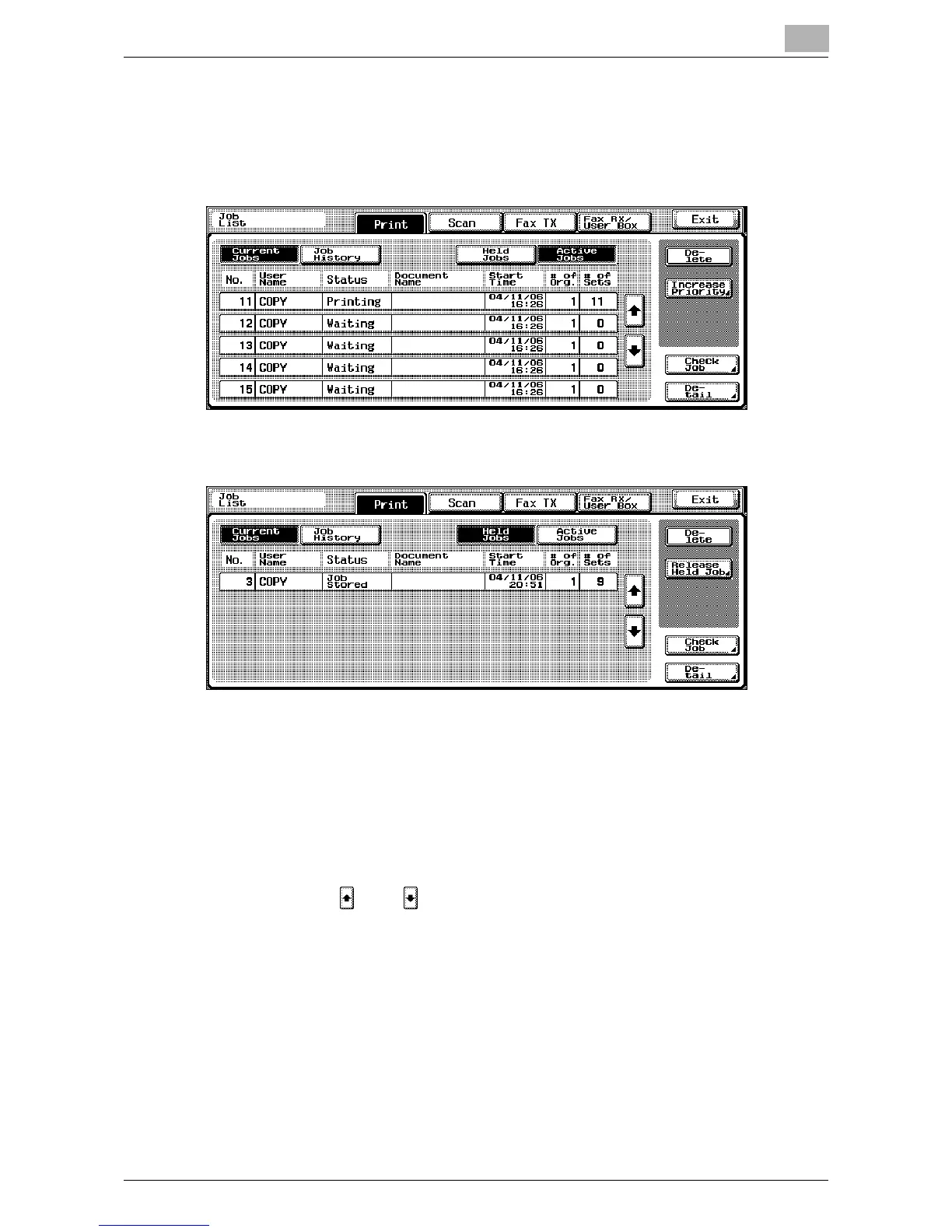
1 Touch [Job List] on the copier’s control panel.
The Print tab appears.
2 Touch [Held Jobs].
3 Touch [Release Held Job].
The Release Held Job screen appears.
4 From the job list, select the job whose sample copy is to be printed, se-
lect [Proof Print], and then touch [OK].
– If the job to be removed from the Held Job list is not displayed,
touch [ ] or [ ] until the desired job is displayed.
– To change the settings of or cancel multiple jobs together, select
one job, and then touch the next jobs.
– If an incorrect job was selected, touch the button for the selected
job again to deselect it.













 To Next Page