Scanning Documents
2
IC-402 2-57
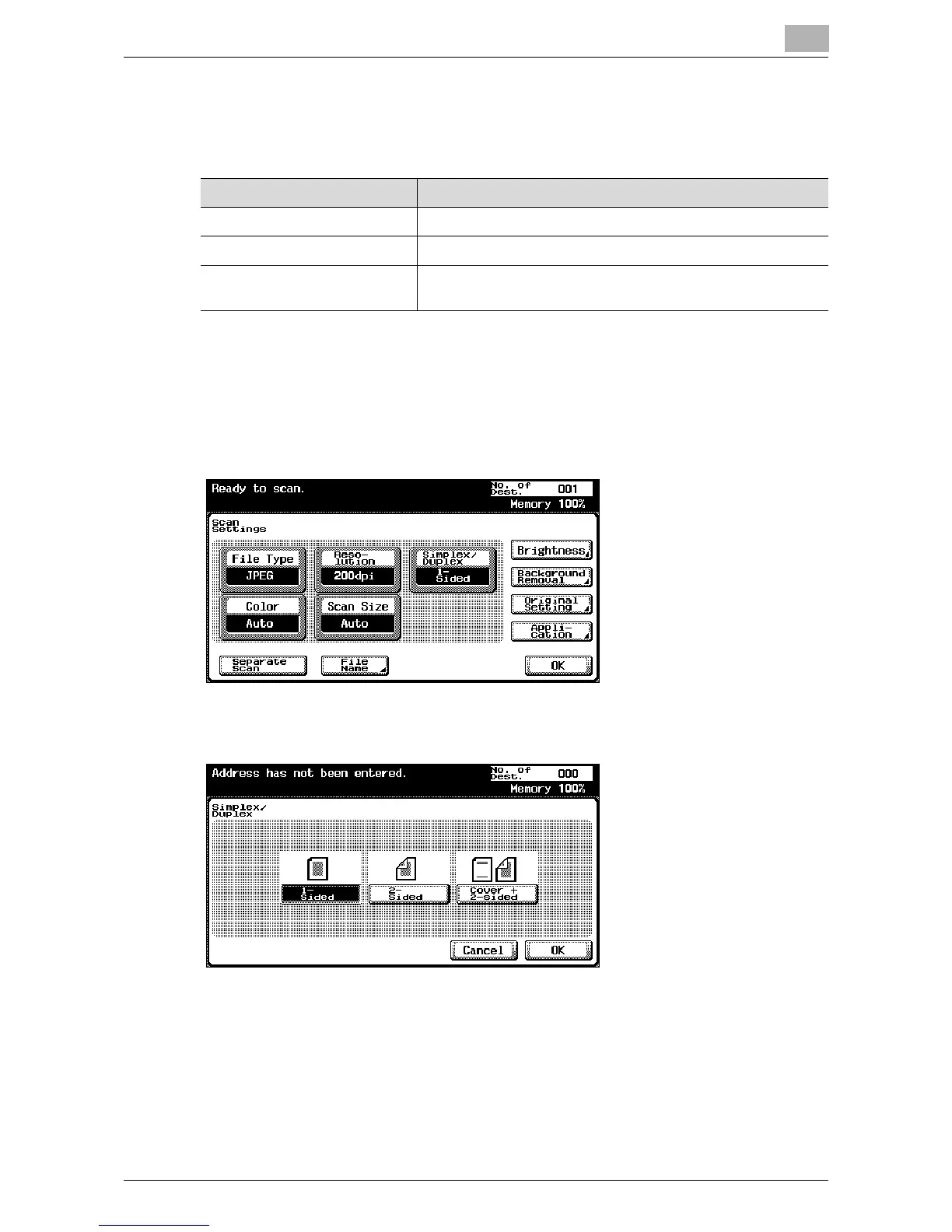
Simplex/Duplex
Select whether to scan one side of the document or both sides.
To specify the Simplex/Duplex setting
1 Touch [Scan Settings] in the Scan mode screen.
2 Touch [Simplex/Duplex].
3 Select the scan type.
4 Touch [OK], and then touch [OK] in the next screen that appears.
Item Description
1-Sided Scans one side of the document.
2-Sided Scans both sides of the document.
Cover + 2-Sided Scans the first page of the document as the cover page only
on one side and scans the remaining pages on both sides.













 To Next Page