Using PageScope Web Connection
7
IC-402 7-63
To create a certificate
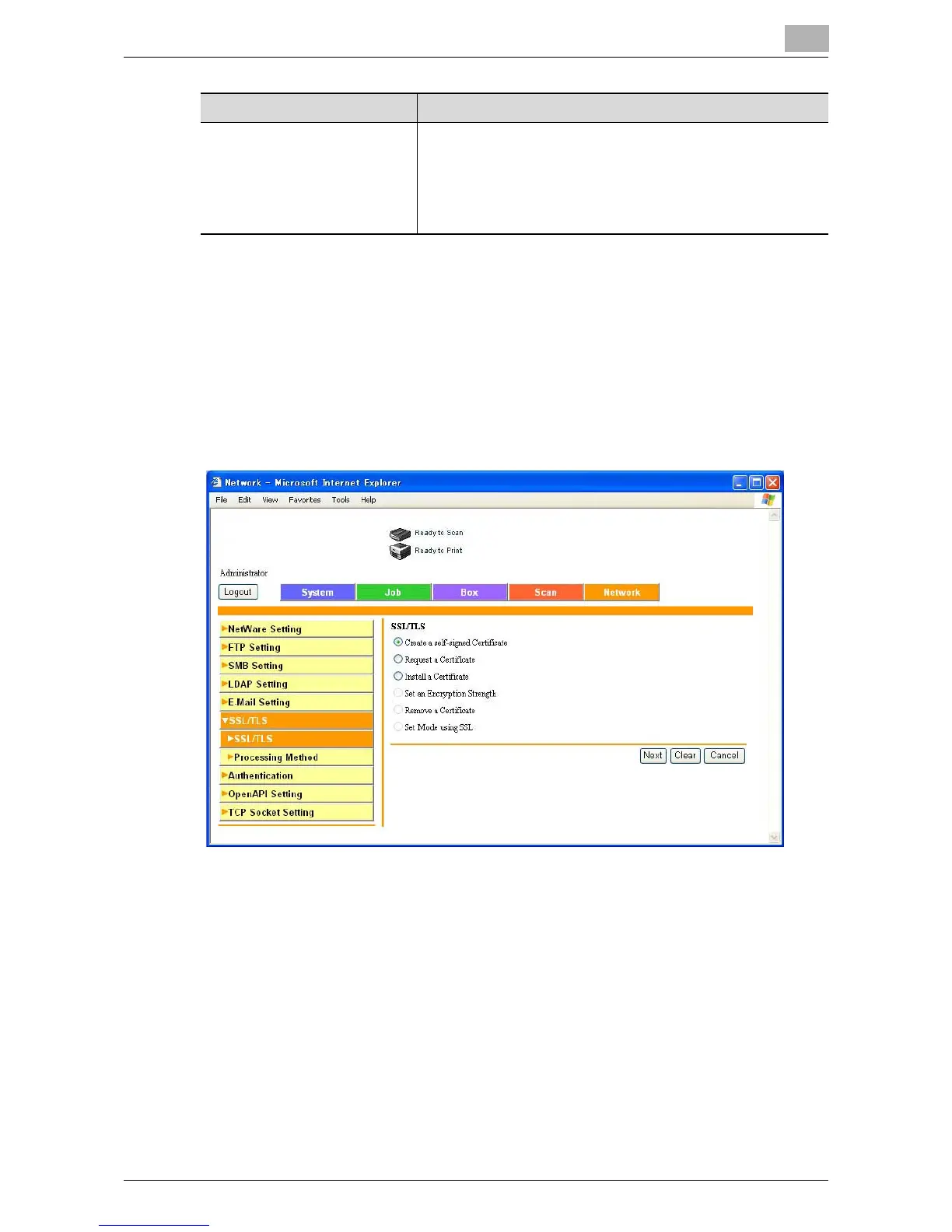
1 Click [Setting].
A page for selecting the function appears.
2 Select “Create a self-signed Certificate” or “Request a Certificate”, and
then click [Next].
The registration page appears.
Country Enter a country code (2 characters) defined by ISO3166 for
creating a country certificate.
United States: US, United Kingdom: GB, Italy: IT, Australia:
AU, Netherlands: NL, Canada: CA, Spain: ES, Czech Repub-
lic: CZ, China: CN, Denmark: DK, Germany: DE, Japan: JP,
France: FR, Belgium: BE, Russia: RU
Item Description













 To Next Page