Using PageScope Web Connection
7
IC-402 7-72
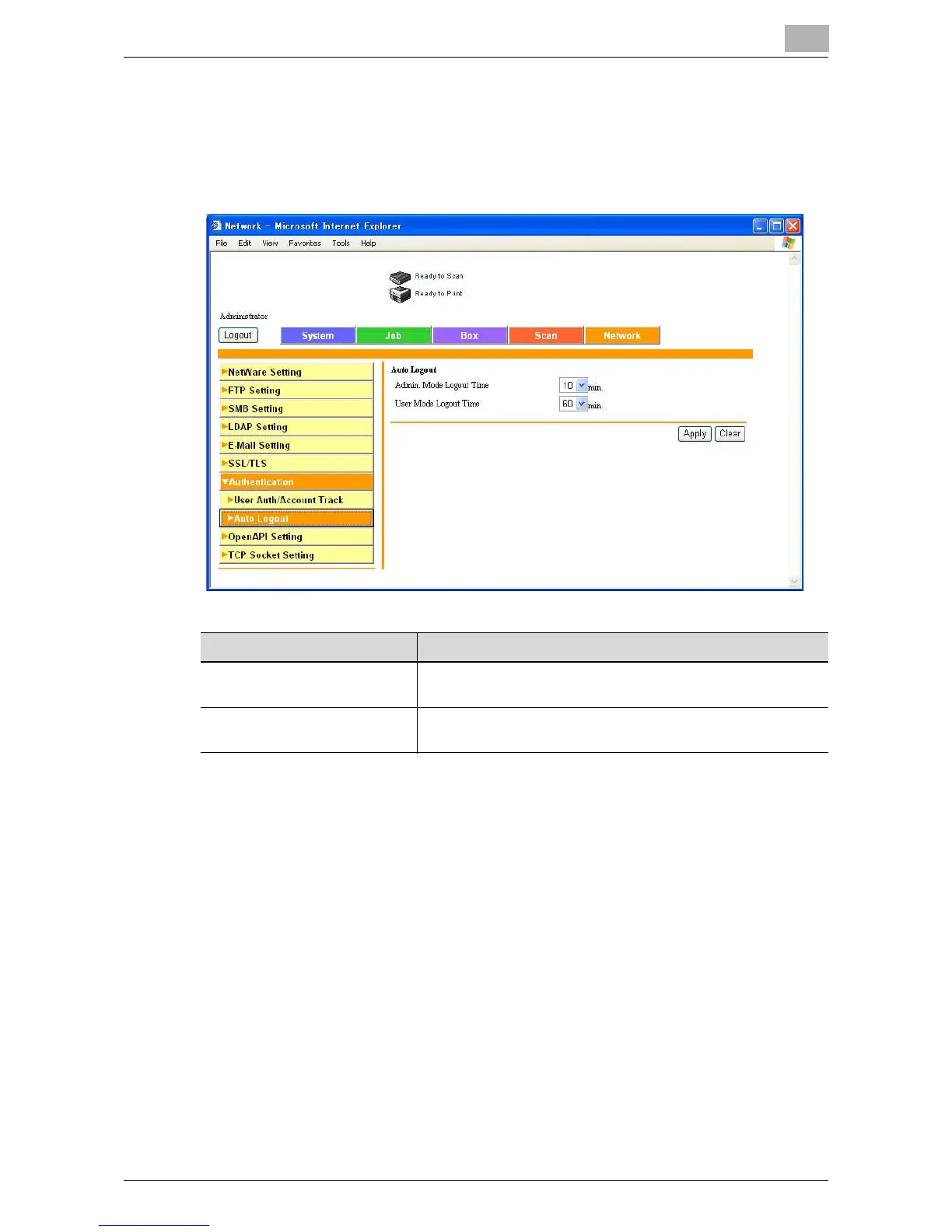
Auto Logout
Specify auto logout settings for Administrator mode and User mode.
If no operation is performed within the specified time, the administrator or
user is automatically logged out.
Item Description
Admin Mode Logout Time Enter the auto logout time (input range: 1 to 10, 20, 30, 40, 50,
60 minutes).
User Mode Logout Time Enter the auto logout time (input range: 1 to 10, 20, 30, 40, 50,
60 minutes).













 To Next Page