Using PageScope Web Connection
7
IC-402 7-43
7.16 System Tab (Copier Administrator Mode)
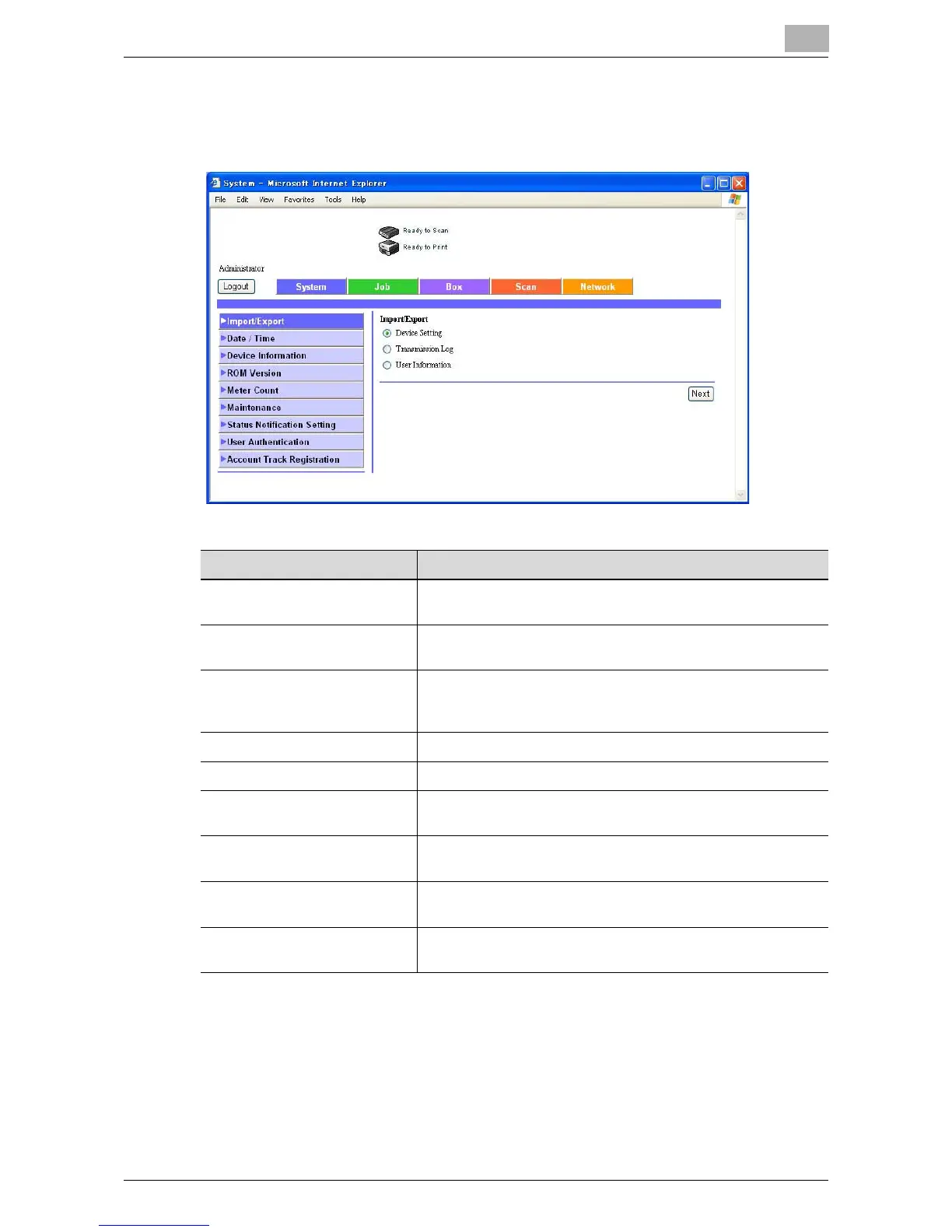
Click an item in the menu to specify the corresponding copier setting.
Menu Item Description
Import/Export Copier information can be saved as a file (exported) or written
to the copier from a file (imported).
Date/Time The copier date and time settings can be specified manually
or automatically.
Device Information Displays information on the consumables, paper drawers,
output trays, configuration, hard disk, interface and adminis-
trator.
ROM Version Displays the ROM version information.
Meter Count Displays information on counters managed by the copier.
Maintenance All registered recipients can be deleted. To delete all recipi-
ents, click [Format].
Status Notification Setting Specify the e-mail address and conditions for sending a noti-
fication when an error occurs.
User Authentication The registered user settings when user authentication settings
have been specified on the copier can be changed.
Account Track Registration The registered account settings when account track settings
have been specified on the copier can be changed.













 To Next Page