Using PageScope Web Connection
7
IC-402 7-64
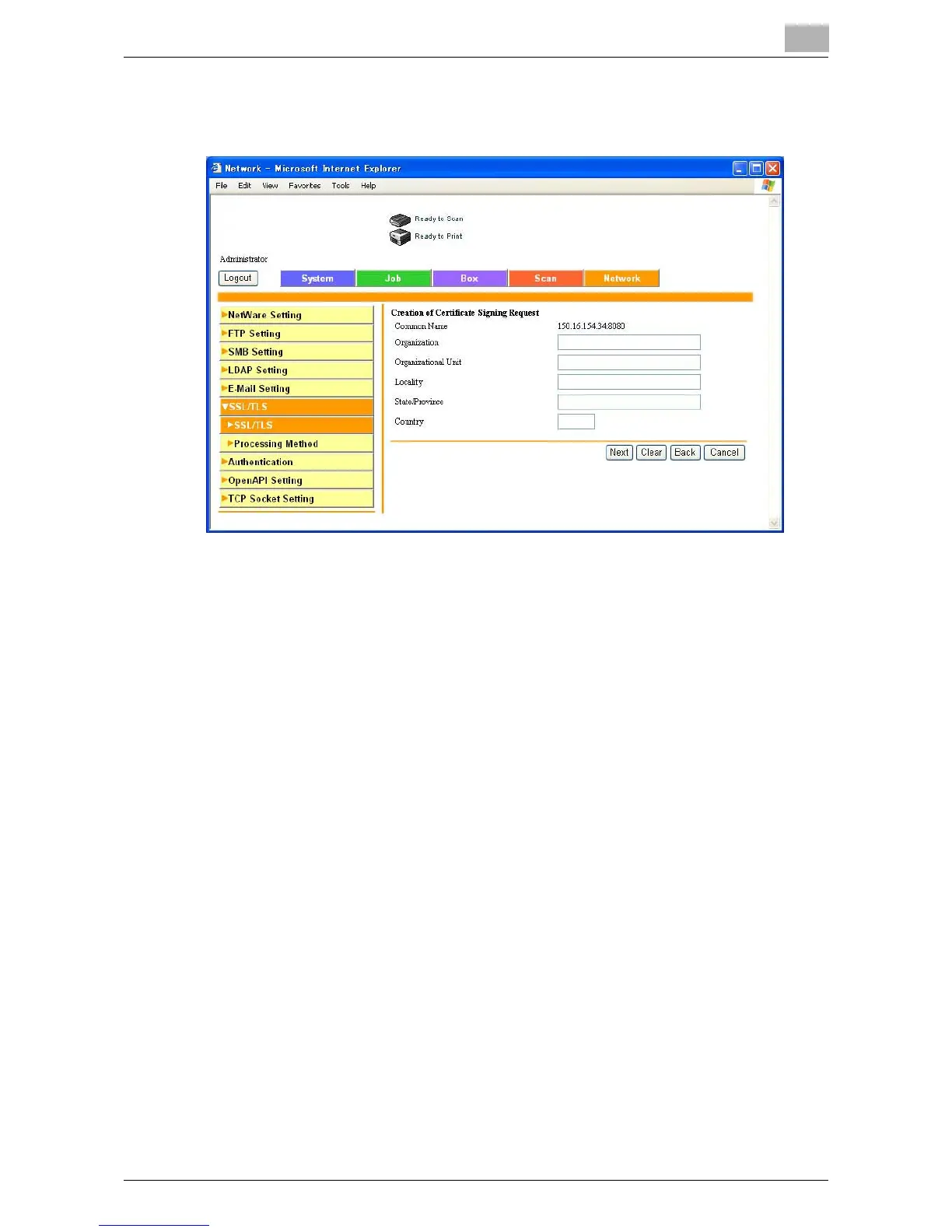
3 Specify the desired settings.
Example for Requesting a Certificate
4 Click [Apply] or [Next].
A certificate can be registered or obtained.
– If a request was made for a certificate, proceed to step 5.
– If a self-signed certificate was created, the procedure ends here.
5 Save or copy the displayed certificate information.
Continue to install the certificate.













 To Next Page