Scanning Documents
2
IC-402 2-8
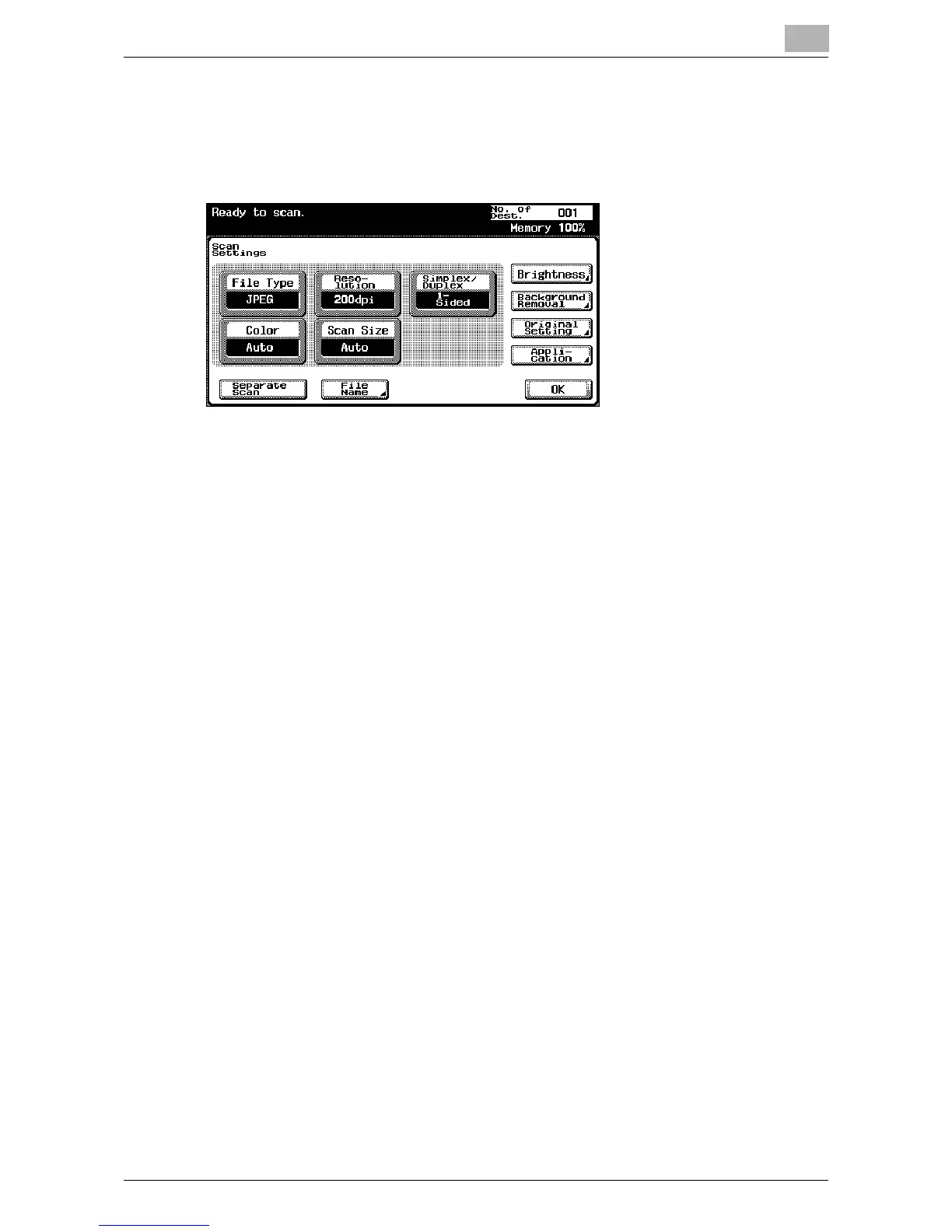
4 After checking the settings, touch [OK].
– To send the data to another destination at the same time, touch
[Group], [Address Book] or [Direct Input] to specify or add other
destinations.
5 Load the document into the automatic document feeder or position it
on the original glass of the copier.
6 Press the [Start] key on the control panel.
The document is scanned, and the data is sent.













 To Next Page