Scanning Documents
2
IC-402 2-7
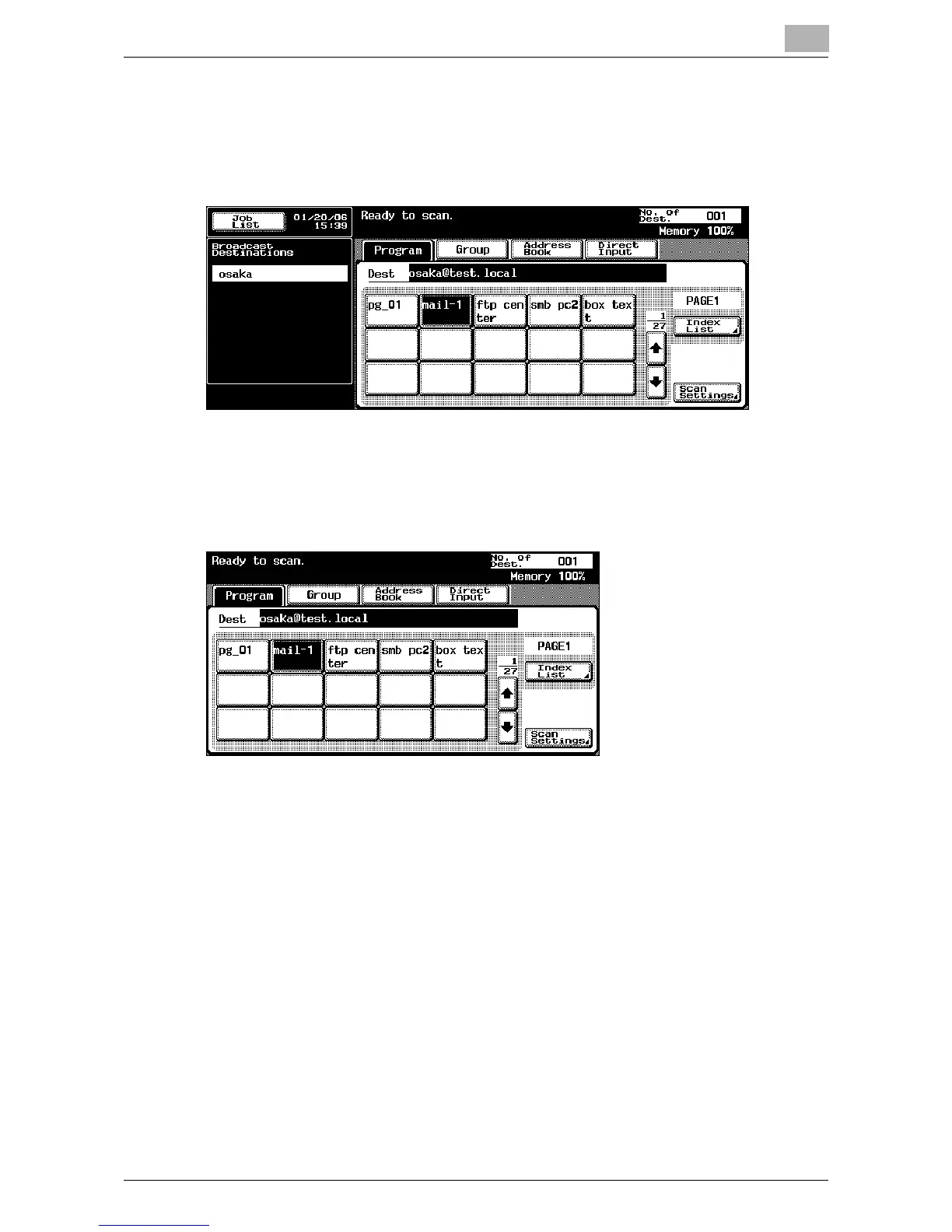
2 Touch [Program].
The selected destinations are listed under “Broadcast Destinations”.
Only the destinations that can be specified are displayed. For example,
fax destinations are not displayed.
3 Touch [Scan Settings] to check the specified scan settings. The set-
tings that appear in the main Scan mode screen can be specified in ad-
vance for each program. For details, refer to “Registering Program
Destinations” on page 3-18.
– For details on the scan settings, refer to “Specifying the Scan Set-
tings” on page 2-52.













 To Next Page