Copier Network Functions
6
IC-402 6-52
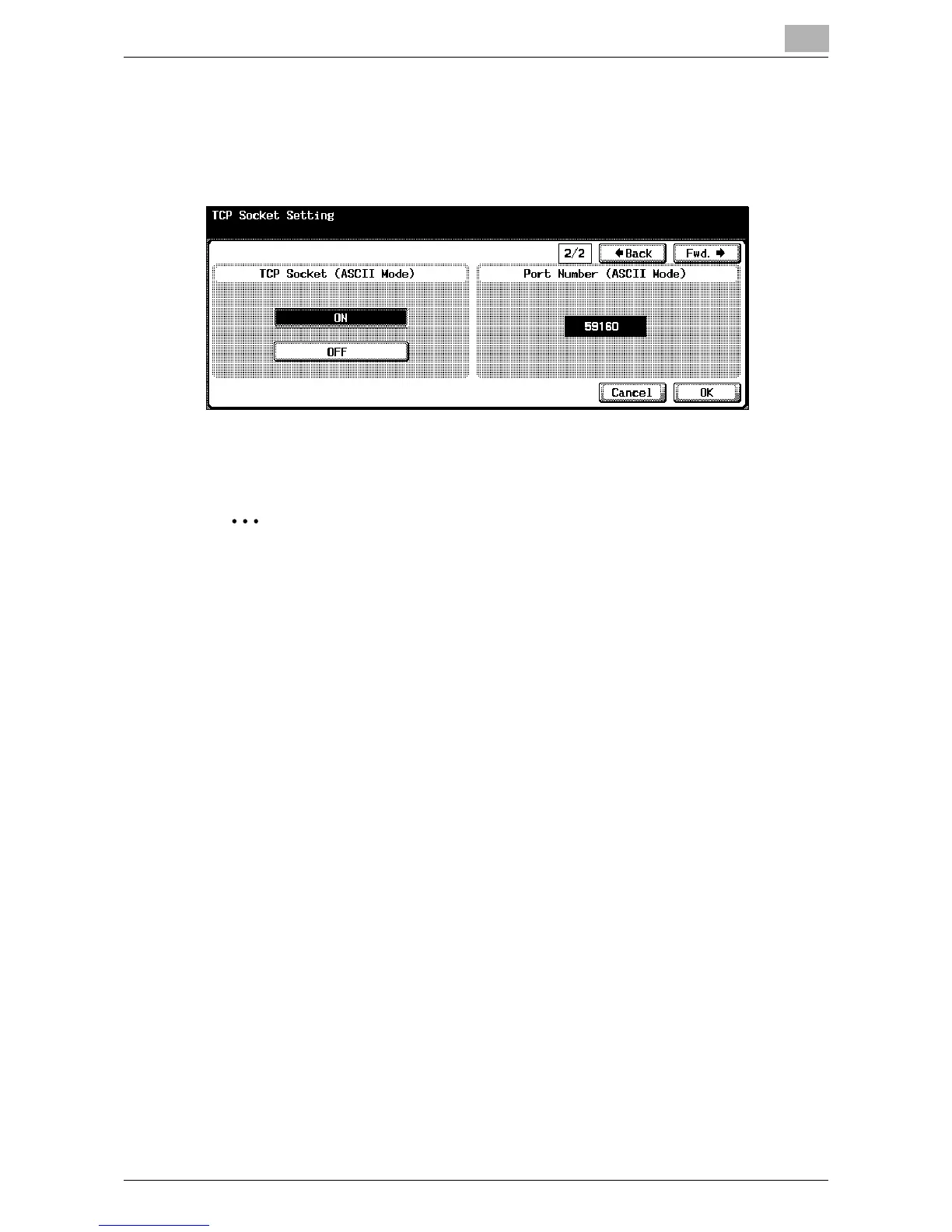
4 Touch [Fwd.→].
TCP Socket Setting screen 2/2 appears.
5 Specify the desired settings.
6 Touch [OK].
2
Note
To cancel changes to the setting, touch [Cancel].
To quit specifying the Utility mode setting, touch [Exit] in the sub display
area or press the [Utility/Counter] key. Otherwise, cancel the Utility mode
by touching [Close] in each screen until the screen for the Copy, Fax,
Scan or Box mode appears.
When a certificate is set to “Enable” on the copier, the [SSL Setting] or
[Port Number (SSL)] screen appears. To perform SSL transmission, spec-
ify the settings.
To perform external server authentication on the copier, the TCP socket
SSL settings are required to access this machine from the application
that is using the TCP socket.













 To Next Page