Print Job Management
8
IC-402 8-17
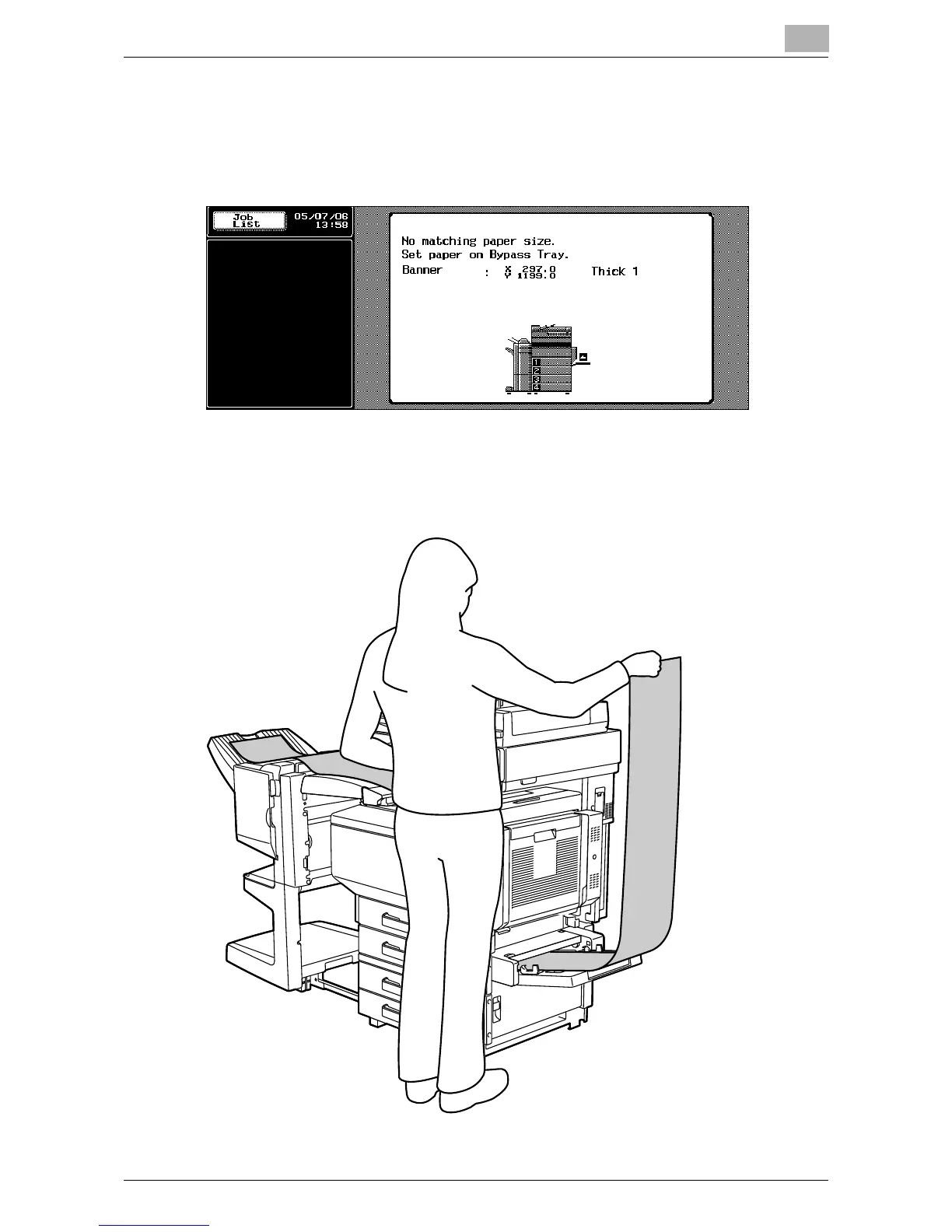
8 With the side to be printed on facing down, insert the paper as much
as possible into the feed slot.
– Before loading the paper, check that the following message ap-
pears in the control panel.
9 Slide the lateral guides to fit the size of paper being loaded.
– Load one sheet at a time.
– Print while supporting the loaded paper with your hands.













 To Next Page