Scanning Documents
2
IC-402 2-22
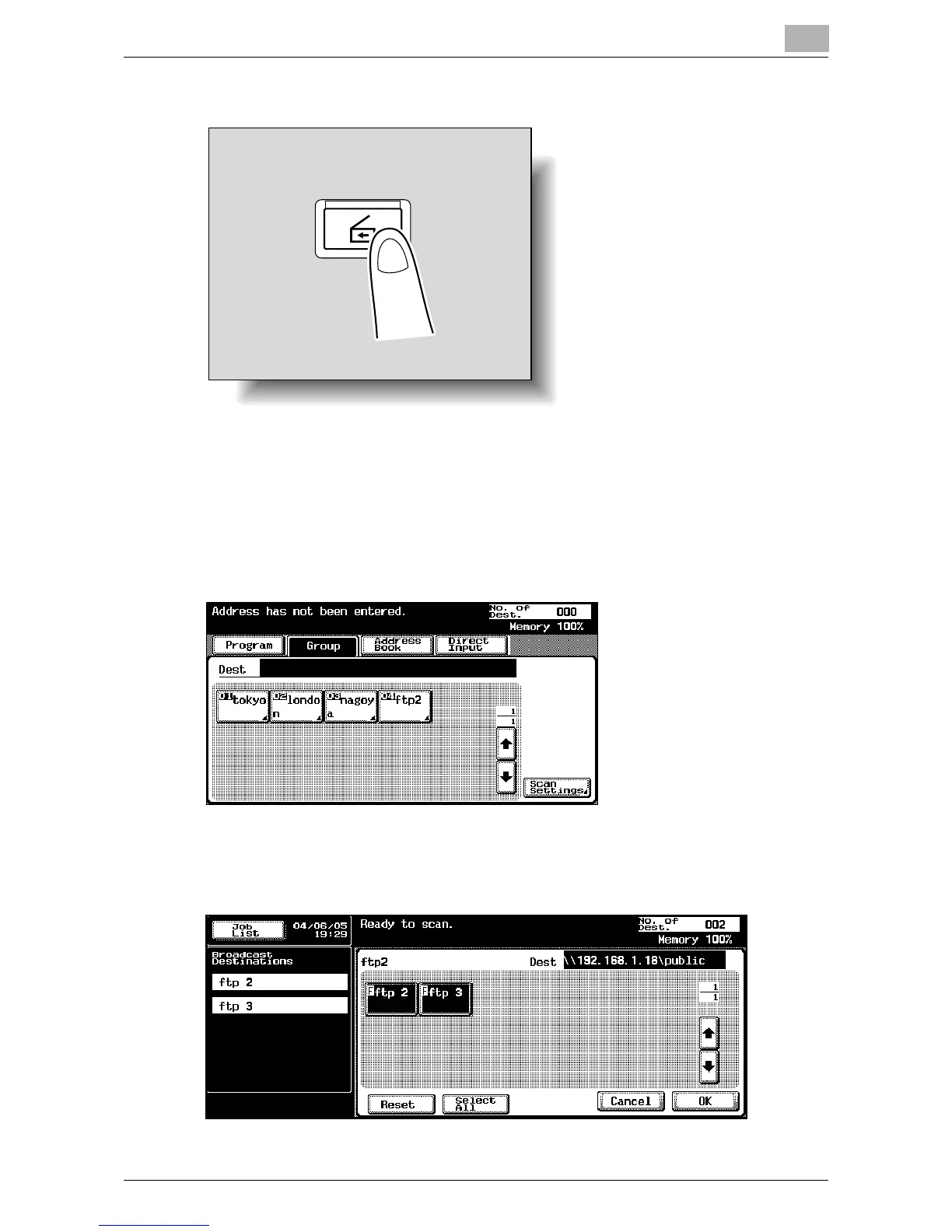
1 Press the [Scan] key on the control panel.
The Scan mode screen appears.
2 Touch [Group].
Touching the button for a group displays the list of members registered
in the group. Other destination addresses can be added using the ad-
dress book or through direct input.
3 Select the desired destination, and then touch [OK].
The selected destinations are listed under “Broadcast Destinations”.
Scan













 To Next Page