Scanning Documents
2
IC-402 2-47
?
How can the address book be searched for the desired address?
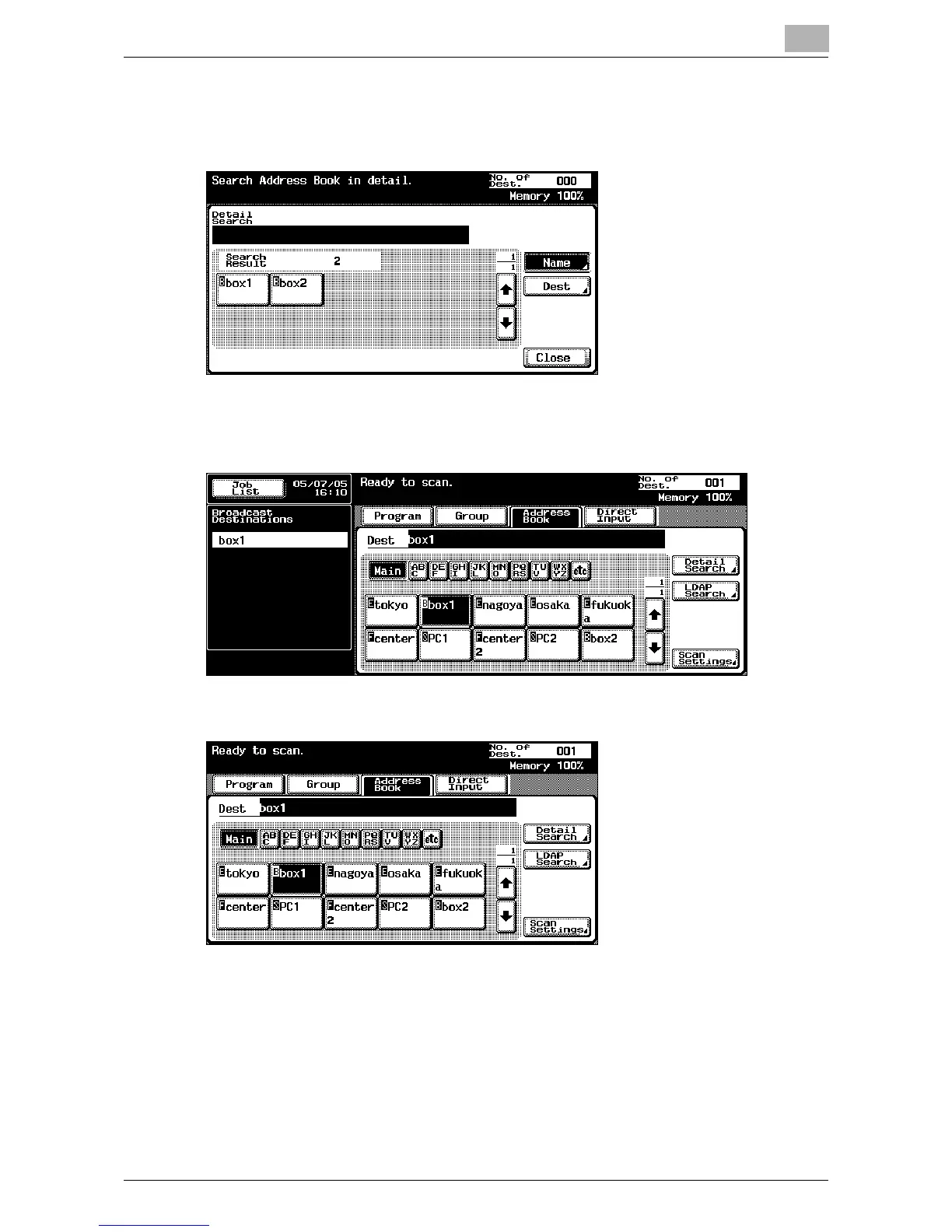
% Touch [Detail Search] to search for addresses. The address book
can be searched for names or addresses.
3 Touch the button for the mailbox where the data is to be saved.
The selected destinations are listed under “Broadcast Destinations”.
4 Touch [Scan Settings], and then specify the scan settings.
– For details on the scan settings, refer to “Specifying the Scan Set-
tings” on page 2-52.













 To Next Page