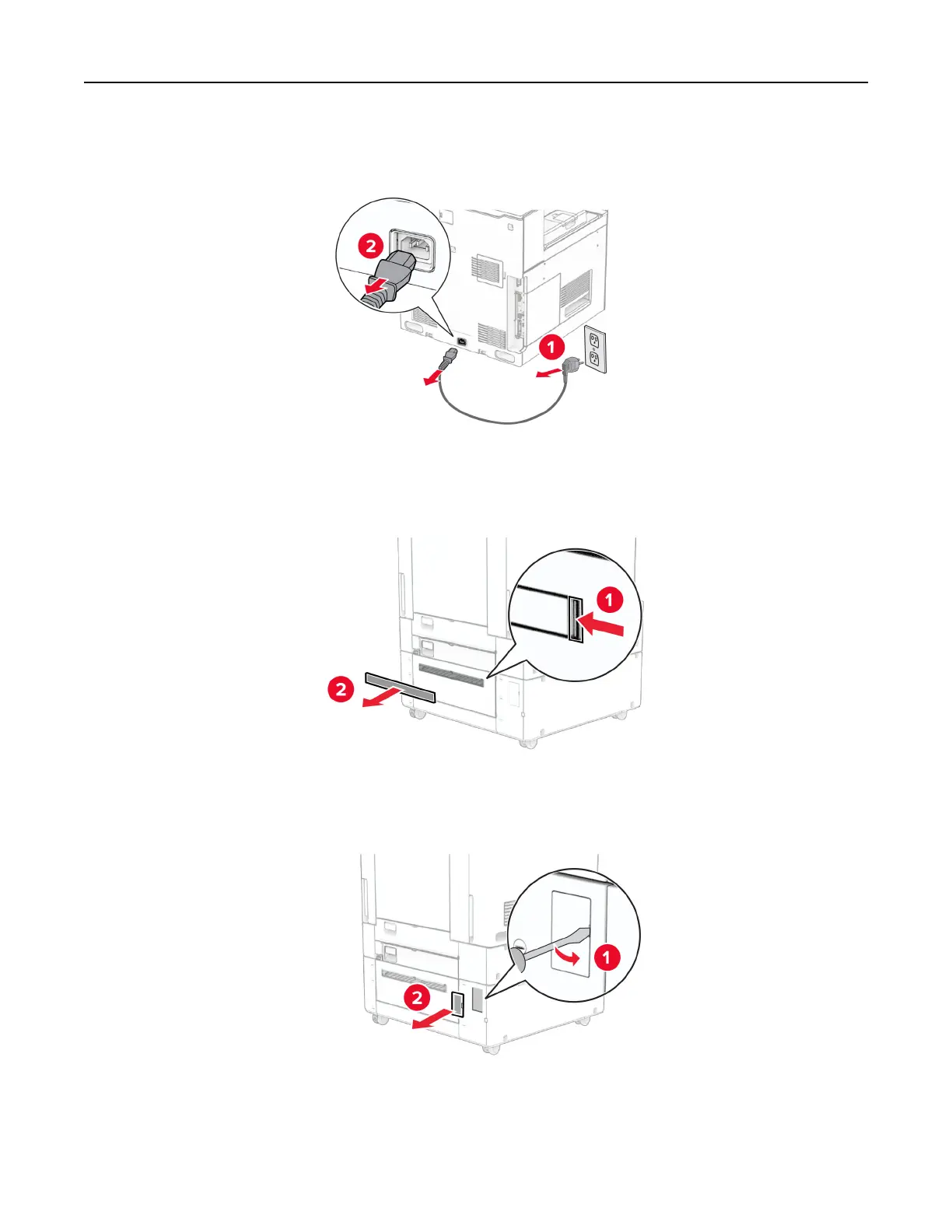
2 Unplug the power cord from the electrical outlet, and then from the printer.
3 Remove the connection cover.
Note: Do not throw away the cover.
4 Remove the port cover.
Note: Do not throw away the cover.
5 Remove the screw caps from the printer.
Note: Do not throw away the screw caps.
Set up, install, and configure 124



 To Next Page