6 Unpack the 1500‑sheet tray, and then remove all the packing material.
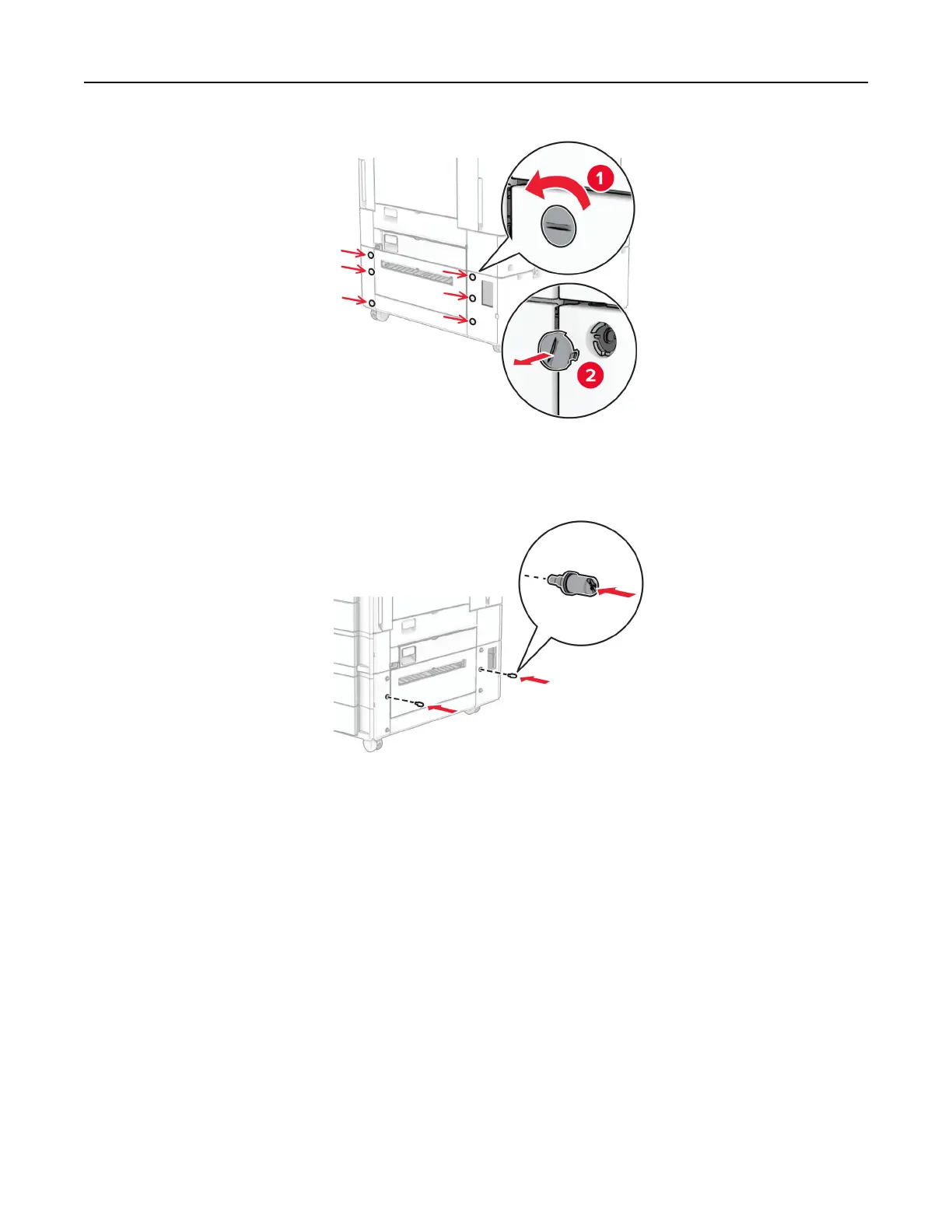
7 Install the screws for the mounting bracket.
8 Attach the mounting bracket to the printer.
Note: Use the mounting bracket and screws that came with the 1500‑sheet tray.
Set up, install, and configure 125



 To Next Page