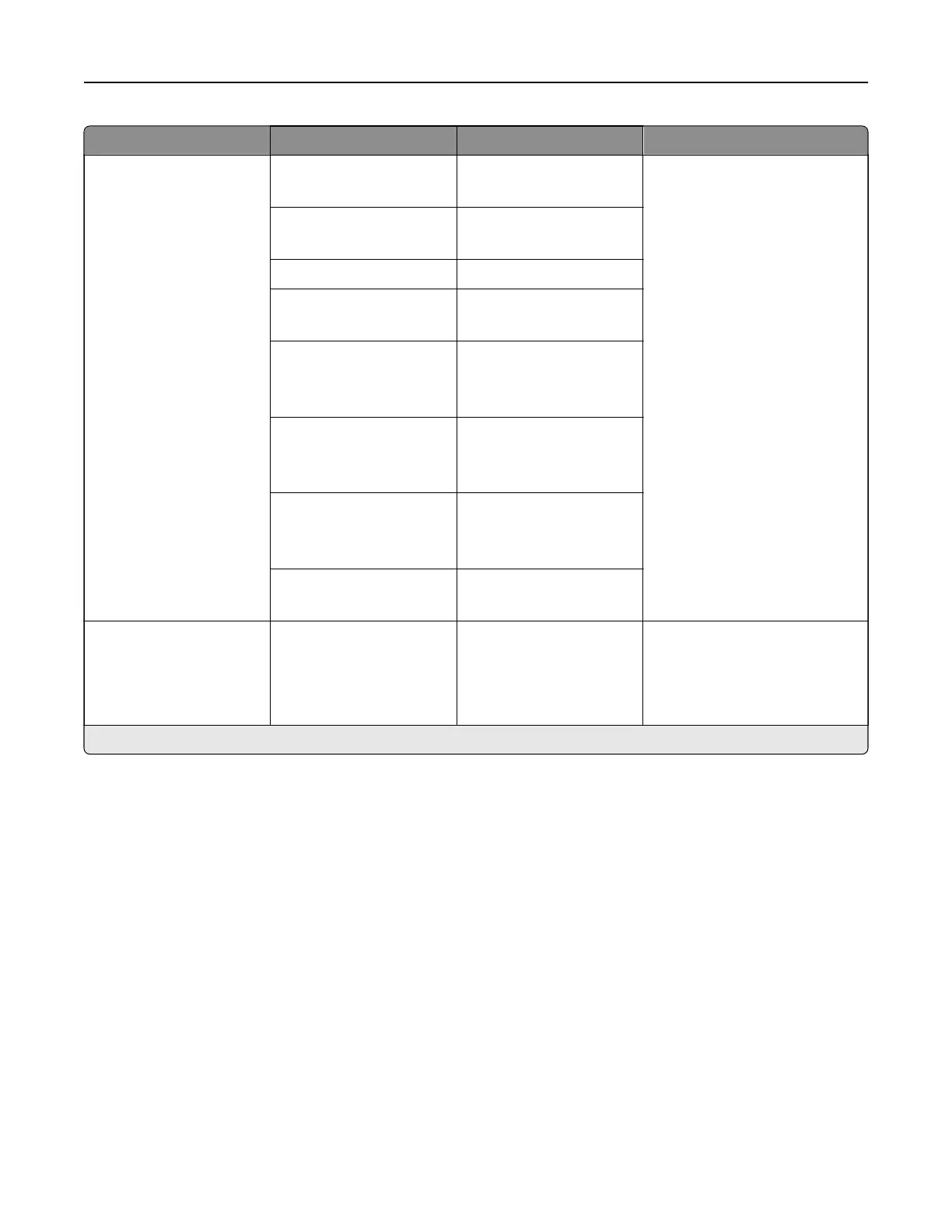
Menu item Submenu item Settings Description
Device Sounds Mute All Sounds O*
On
Configure the sound settings of
the printer.
Button Feedback O
On*
Volume 0–10 (5*)
ADF Loaded Beep O
On*
Alarm Control O
Single*
Continuous
Cartridge Alarm O
Single*
Continuous
Speaker Mode Always O*
Always On
On until Connected
Ringer Volume O*
On
Screen Timeout N/A 5–300 seconds (60*) Set the idle time in seconds
before the display shows the
home screen, or before the
printer logs out a user account
automatically.
Note: An asterisk (*) next to a value indicates the factory default setting.
Printer menus 285



 To Next Page