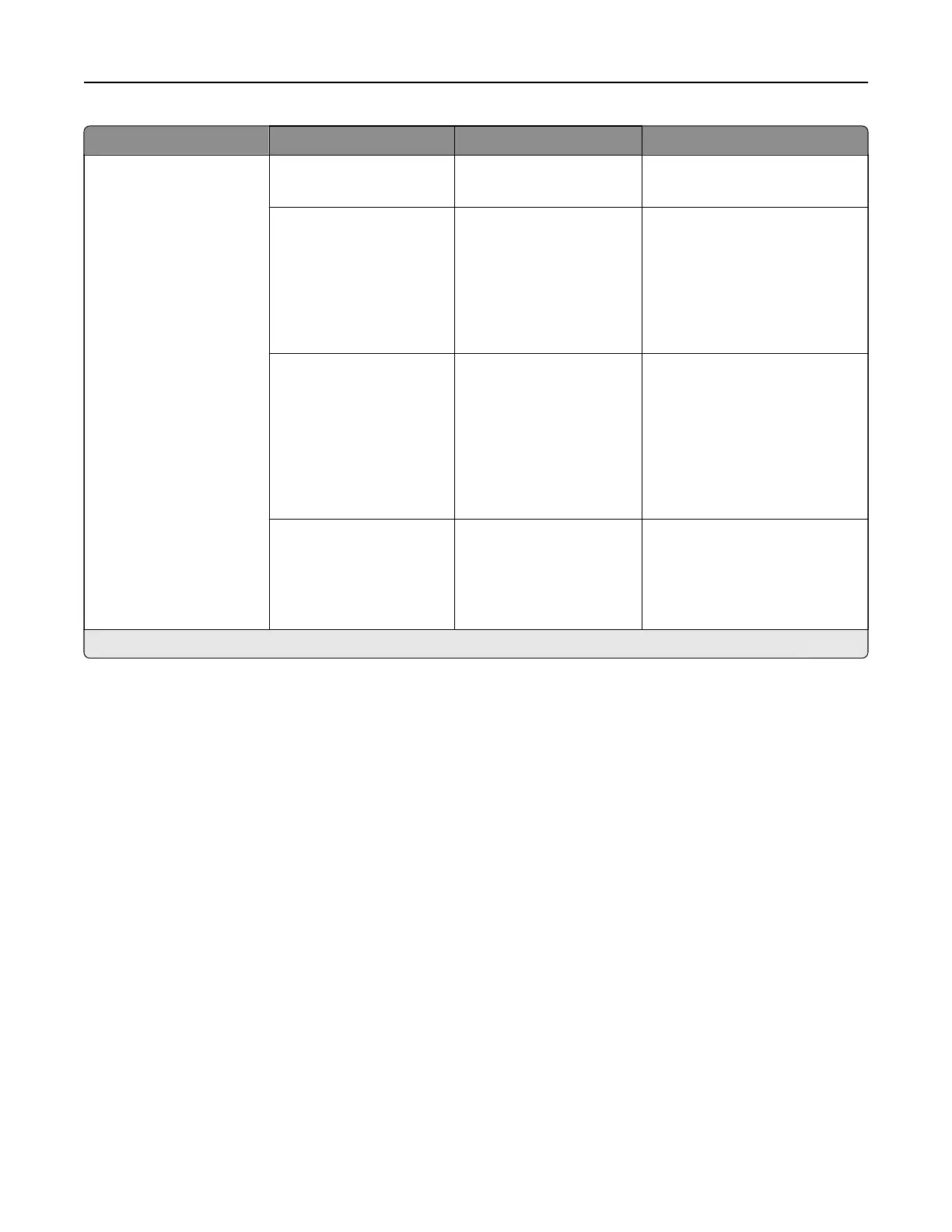
Menu item Submenu item Settings Description
Print Configuration Black Only Mode O*
On
Print non‑copy jobs in grayscale.
Color Trapping O
1
2*
3
4
5
Enhance the printed output to
compensate for misregistration
in the printer.
Font Sharpening 0–150 (24*) Set a text point-size value below
which the high-frequency
screens are used when printing
font data.
For example, if the value is 24,
then all fonts sized 24 points or
less use the high-frequency
screens.
Use Native ISD Fonts On*
O
Let the user choose whether to
use the free fonts that are in the
intelligent storage drive (ISD).
Note: This menu item appears
only when an ISD is installed.
Note: An asterisk (*) next to a value indicates the factory default setting.
Printer menus 297



 To Next Page