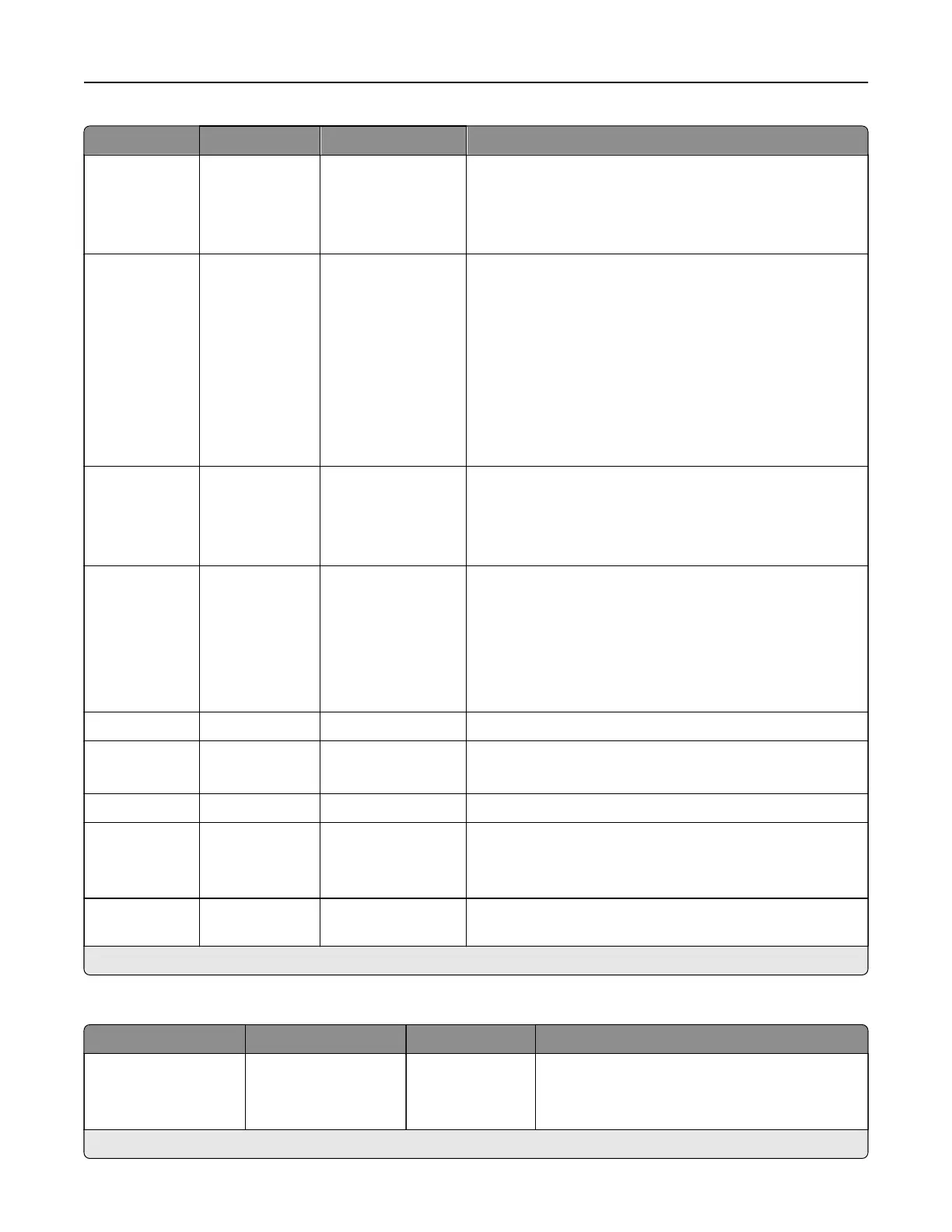
Menu item Submenu items Settings Description
Content Type N/A Te xt
Tex t/Pho to*
Graphics
Photo
Improve the output result based on the content type of the
original document.
Content
Source
N/A Black and White
Laser
Color Laser*
Inkjet
Photo/Film
Magazine
Newspaper
Press
Other
Improve the output result based on the content source of
the original document.
Color N/A Black and White
Gray
Color*
Auto
Set the printer to capture file content in color or in mono.
Resolution N/A 75 dpi
150 dpi*
200 dpi
300 dpi
400 dpi
600 dpi
Set the resolution of the scanned image.
Darkness N/A 1–9 (5*) Adjust the darkness of the scanned image.
Orientation N/A Portrait*
Landscape
Specify the orientation of the original document.
Original Size N/A Mixed Sizes* Set the paper size of the original document.
Sides N/A O*
Long Edge
Short Edge
Specify the orientation when scanning on both sides of the
document.
File Name N/A The setting is user-
defined.
Specify the file name of the scanned image.
Note: An asterisk (*) next to a value indicates the factory default setting.
Advanced Imaging
Menu item Submenu item Settings Description
Color Balance Cyan
Magenta
Ye l l o w
‑4–4 (0*)
‑4–4 (0*)
‑4–4 (0*)
Adjust the color intensity for cyan, magenta, and
yellow.
Note: An asterisk (*) next to a value indicates the factory default setting.
Printer menus 341



 To Next Page