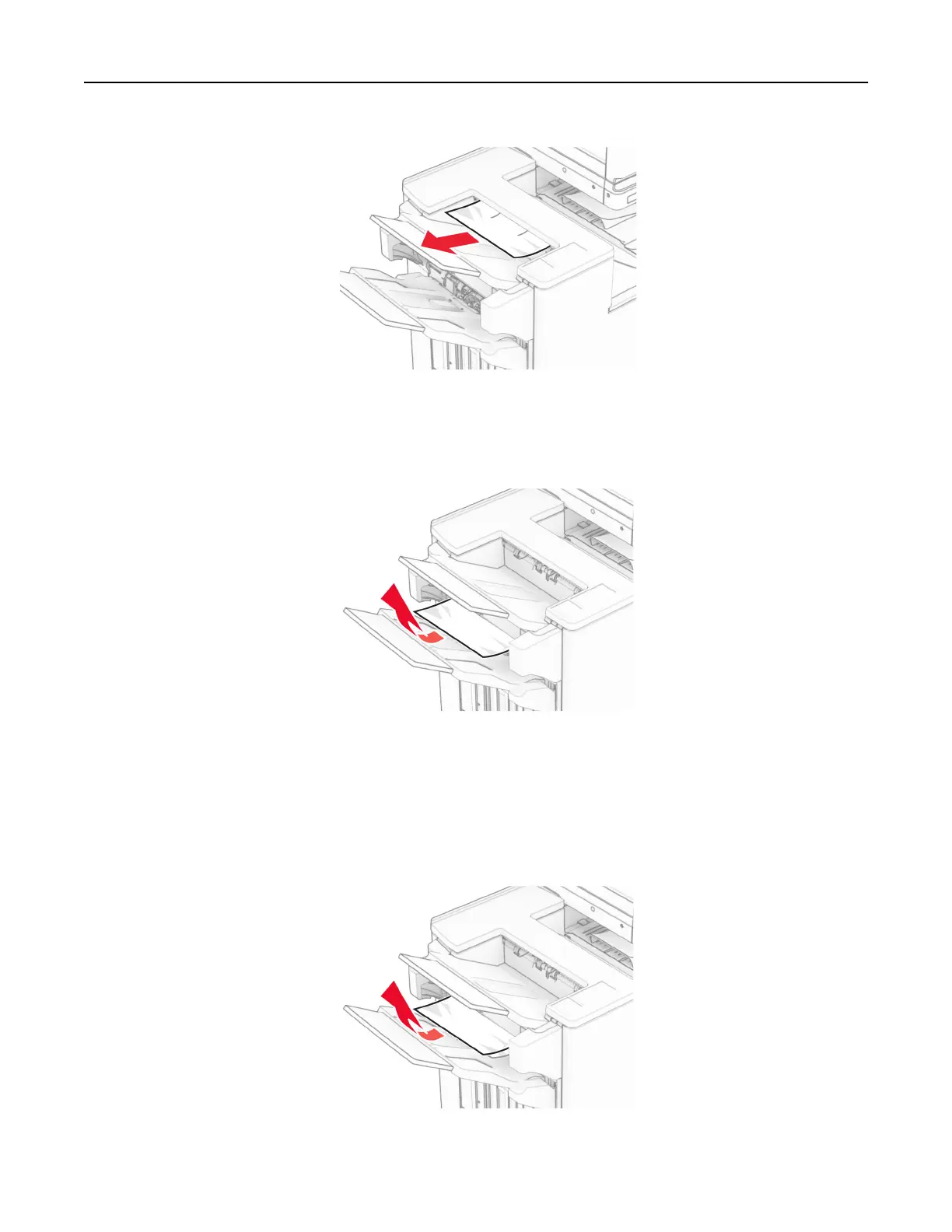
2 Remove the jammed paper in bin 1.
Note: Make sure that all paper fragments are removed.
3 Remove the jammed paper in bin 1.
Notes:
• Make sure that all paper fragments are removed.
• Do not remove the printed pages that are in the staple compiler to avoid missing pages.
Troubleshoot a problem 503



 To Next Page