MAINTENANCE AN D SERVICING
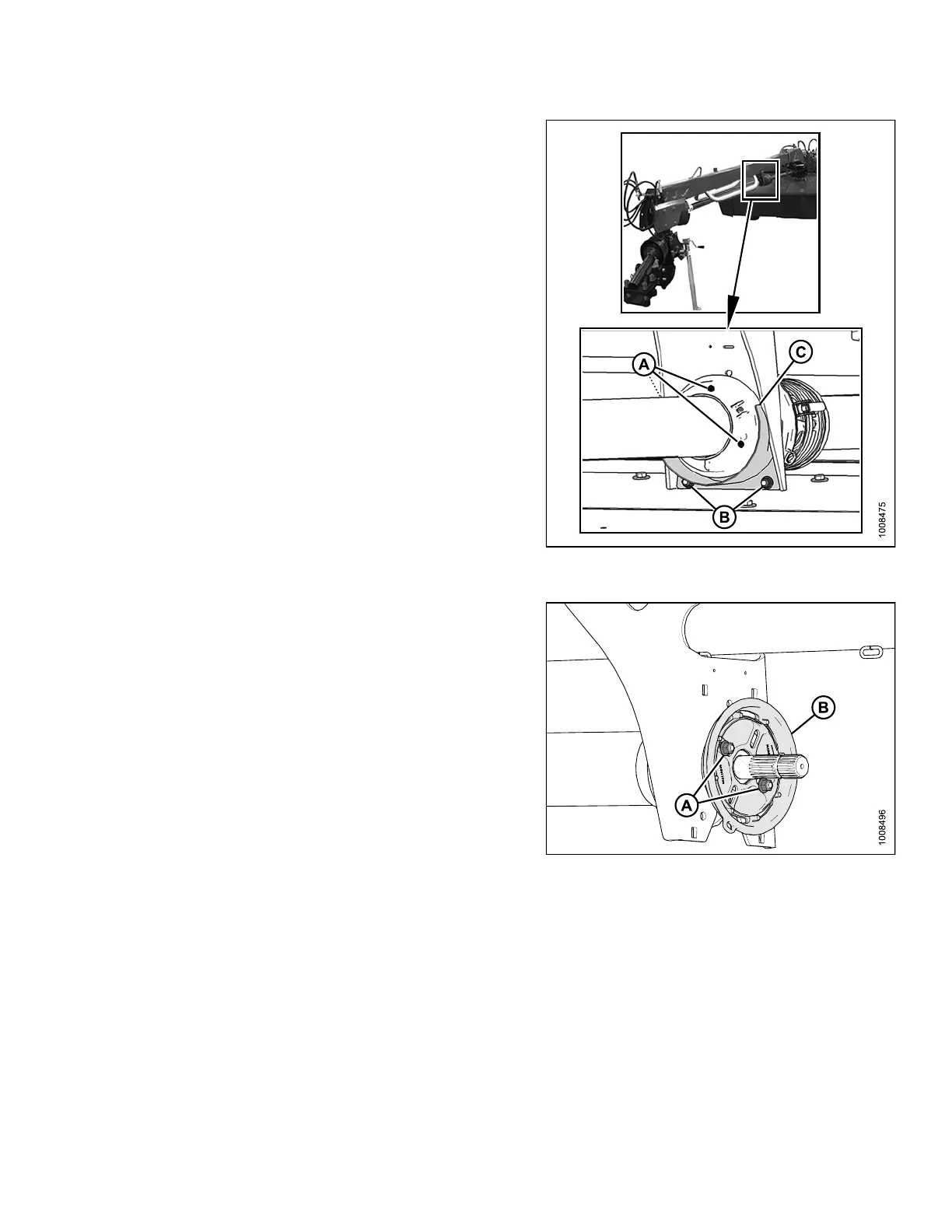
3. Remove three screws (A) from driveshield cover, and
slide driveline away from center s upport.
4. Remove two bolts (B), and slide the metal shield (C)
away from center support.
Figure 4.
154: Driveline Cover and Shield
Install
ed at Center Support
5. Remove two bolts (A) that secure metal plate (B) to the
center support.
Figu
re 4.155: Metal Plate
147910 187 Revision A





 To Next Page