F2–68
CONTROL SYSTEM
PCM CONFIGURATION
A6E404018881209
1. Connect the WDS to DLC-2.
2. Set up the WDS (including the vehicle
recognition).
3. Select “Module programming.”
4. Select “Programmable module installation.”
5. Select “PCM” and perform procedures according
to directions on the WDS screen.
Note
• If the PCM is replaced with a new one, the
PCM stores DTC P0602 and illuminates the
MIL even though no malfunction is detected.
After completing the "PCM
CONFIGURATION" procedure, clear DTC
P0602 using the WDS or equivalent.
6. Retrieve DTC’s by the WDS or equivalent, then verify that there in no DTC present.
• If DTC is present, perform applicable DTC inspection.
End Of Sie
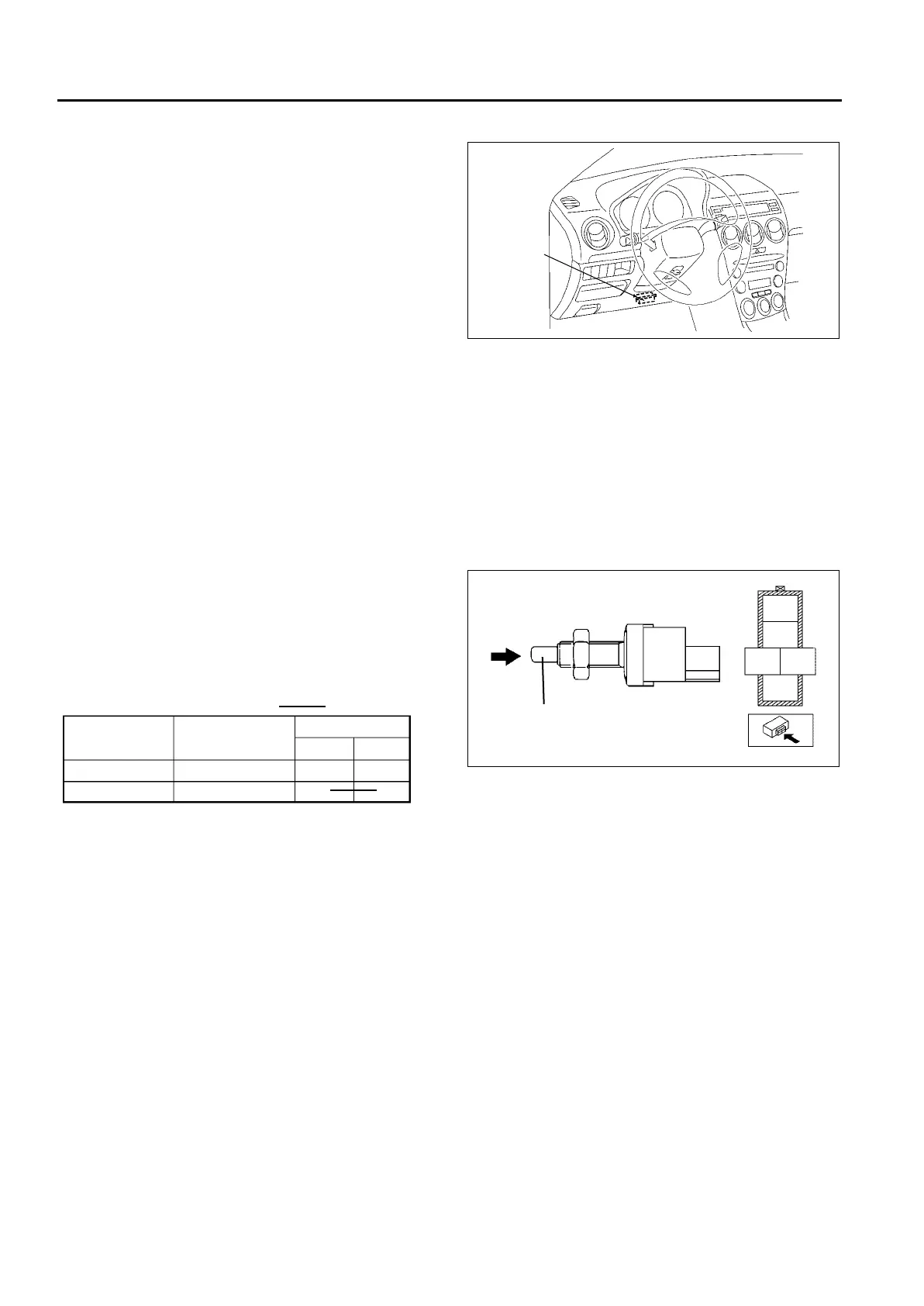
CLUTCH SWITCH INSPECTION
A6E404018660201
Note
• Perform the following test only when directed.
Continuity Inspection
1. Inspect continuity between the clutch switch
terminals using an ohmmeter.
• If the clutch switch is okay, but the CPP PID is
out of specification, perform the “Circuit Open/
Short Inspection”
• If not as specified, replace the clutch switch.
Specification
Circuit Open/Short Inspection
1. Inspect for open/short circuit in the following wiring harnesses.
• If there is open/short circuit, repair or replace wiring harnesses.
Open circuit
• Signal circuit
— Clutch switch terminal C and PCM terminal 33
• GND circuit
— Clutch switch terminal E and GND
Short circuit
• Signal circuit
— Clutch switch terminal C and PCM terminal 33 to GND.
End Of Sie
DLC-2
A6E40702001
PUSH
ROD
A
B
C
D
E
A6E40702034
A6E40702033
Condition
Clutch pedal
Terminal
C
E
Rod pushed
Except above
Released
Depressed
O
O
O
O
: Continuity












 To Next Page