EasyManua.ls Logo

Medoc PATHWAY - User Manual

Default Icon
190 pages
Print Icon
To Next Page IconTo Next Page
Loading...
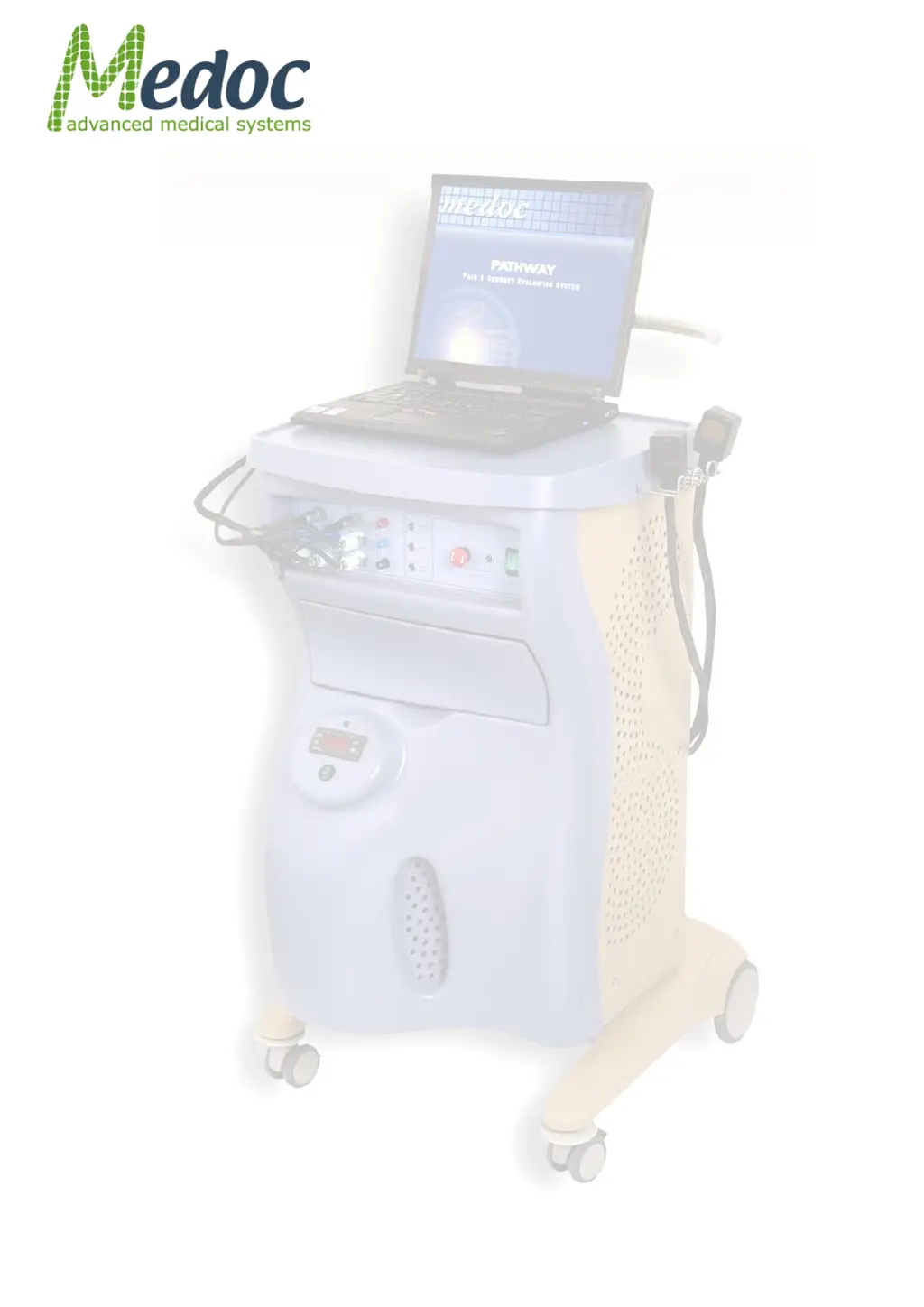
PATHWAY
Pain & Sensory Evaluation
System
Technical Reference
Manual

Table of Contents

Questions and Answers

  • O
    owenswillieSep 12, 2025
    What does Communication between PATHWAY and PC lost while in Test Run mode mean for Medoc Medical Equipment?
    • K
      Kenneth HodgeSep 12, 2025
      If communication between the computer and PATHWAY has been disconnected while in Test Mode: 1. Restart the PATHWAY system and Medoc Main Station. 2. Run the system Self-Test. If the problem persists, there is no other solution.
  • M
    morrisonnicoleSep 12, 2025
    What does [ATS / CHEPS] Thermode was not detected by Pathway mean for Medoc Medical Equipment?
    • T
      Todd WalkerSep 12, 2025
      If the system could not detect one of the enabled Thermodes, and therefore disabled it in order to prevent any damage: 1. Make sure that the Thermode is properly connected to the Pathway system. 2. Enable the Thermode through the Hardware Settings, General menu. 3. Click Yes to try again, or click No to continue working.
  • F
    forbespatriciaSep 9, 2025
    What does the following safety limitation has been violated mean for Medoc PATHWAY Medical Equipment?
    • J
      jimenezrossSep 9, 2025
      If the temperature duration limit has been exceeded: 1. Check that the parameters of the program used are valid. 2. Check that the Thermodes are intact and undamaged. 3. Run the system Self-Test. If the problem persists, there is no other solution.
  • N
    Nicholas BarnesSep 8, 2025
    What does emergency disconnect during Self-Test failed mean for Medoc Medical Equipment?
    • J
      Jeffrey SummersSep 8, 2025
      If the system Self-Test failed due to a problem in the emergency disconnect mechanism: 1. Check that the Thermode is intact and undamaged. 2. Make sure that the coolant temperatures are below: - 15°C in the Thermode (status line) - 25°C in the Cooling Unit (PATHWAY front panel). If the temperatures are higher than stated above, wait 5-10 minutes and check again. 3. Run Self-Test to verify that the PATHWAY system is enabled to continue work. If the problem persists, there is no other solution.
  • L
    Laura ThomasSep 7, 2025
    What does finite ramp by temperature timeout mean for Medoc Medical Equipment?
    • N
      Nicole SanchezSep 7, 2025
      If the temperature ramp could not be completed in the required time: 1. Check that the coolant temperature is according to the requirement. 2. Run the system Self-Test to verify that there is no fault in the PATHWAY system or Thermodes. If the problem persists, there is no other solution.
  • R
    roberthughesAug 23, 2025
    What to do if communication with Medoc Medical Equipment Pathway was lost?
    • M
      Madeline SmithAug 23, 2025
      If communication with the system has been disconnected: 1. Click OK to check if communication can be re-established automatically, run self-test and continue working with the system. 2. If communication is not re-established automatically: * Close Medoc Main Station and switch OFF the device * Verify that the communication cable is connected firmly to device and computer * Turn ON the device and start Medoc Main Station 3. If steps 1 & 2 fail, there is no other solution.
  • K
    Kimberly ScottSep 5, 2025
    What does safety cold duration limit violation mean for Medoc Medical Equipment?
    • C
      Corey WoodSep 5, 2025
      If the temperature duration limit has been exceeded: 1. Check that the parameters of the program used are valid. 2. Check that the Thermodes are intact and undamaged. 3. Run the system Self-Test. If the problem persists, there is no other solution.
  • A
    Andrew LoveSep 4, 2025
    How to fix user name or password incorrect error on Medoc Medical Equipment?
    • D
      David EllisSep 4, 2025
      Verify that you have typed the correct user name and password and try to log in again. If the problem persists, try the admin user name and password.
  • S
    Sara CummingsSep 3, 2025
    What to do if Medoc PATHWAY shows a dynamic sensor temperature mismatch?
    • M
      Melissa CareySep 3, 2025
      If the system has detected a mismatch between the Thermode sensors during a dynamic temperature change: 1. Check that the Thermodes are intact and undamaged. 2. Run the system Self-Test. 3. Re-calibrate the Thermode. If the problem persists, there is no other solution.
  • M
    mmcclainSep 2, 2025
    What does unsupported device firmware version mean for Medoc PATHWAY Medical Equipment?
    • B
      barbara86Sep 2, 2025
      If the system firmware version is not compatible with the software: 1. Check what firmware version is supported by the software (from the main screen, select Options and then select About …). 2. If the current firmware version is lower than the supported version, update the firmware to correct version. 3. If the current version is higher than the supported version, there is no other solution.

Summary

Safety Guidelines and Regulations

Safety Requirements

Details general safety requirements for operating the PATHWAY system.

Warnings

Lists critical warnings to prevent serious injury, death, or equipment damage during operation.

Cautions

Provides precautions to prevent equipment damage or inaccurate system functioning.

Temperature Safety Mechanisms

Explains the safeguards implemented to protect against extreme temperatures.

Setup and Installation

Computer Requirements

Lists the minimum computer specifications required for Medoc Main Station software.

Software Installation

Details the procedure for installing the Medoc Main Station software.

Powering up the PATHWAY System

Provides step-by-step instructions for safely powering on the PATHWAY system.

Operation

Safety Procedures and System Self-Test

Details essential safety checks and the system self-test before starting operation.

Starting PATHWAY

Provides the sequence of steps to power on and initiate the PATHWAY system.

Test Procedure and Management

Running the Test

Detailed steps for initiating and conducting an actual test session.

Program Management

Creating a New Program

Step-by-step instructions for creating a new test program.

Results Management

Generate Test Reports

Steps for creating, previewing, and printing test reports.

System Configuration

Communication

Configuration settings for establishing communication between system and software.

Hardware Settings

Configuration options for hardware components like TTL, Thermodes, and CoVAS.

Appendix O - Troubleshooting

Frequent Warning Messages

Lists common warning messages and provides troubleshooting guidance.

Frequent Error Messages

Lists common error messages and provides troubleshooting guidance.

Faulty System Responses

Describes common system malfunctions and their corresponding solutions.

Medoc PATHWAY Specifications

General IconGeneral
CategoryMedical Equipment
Cooling RateUp to 8°C/sec
Heating RateUp to 8°C/sec
Power Supply100-240V AC, 50/60Hz
Stimulus TypesThermal
Temperature Range0°C to 55°C
InterfaceTouchscreen
ConnectivityUSB
ModalityQuantitative Sensory Testing

Related product manuals