Specifying settings using Web Connection
9
VarioLink 2221/2821/3621 9-27
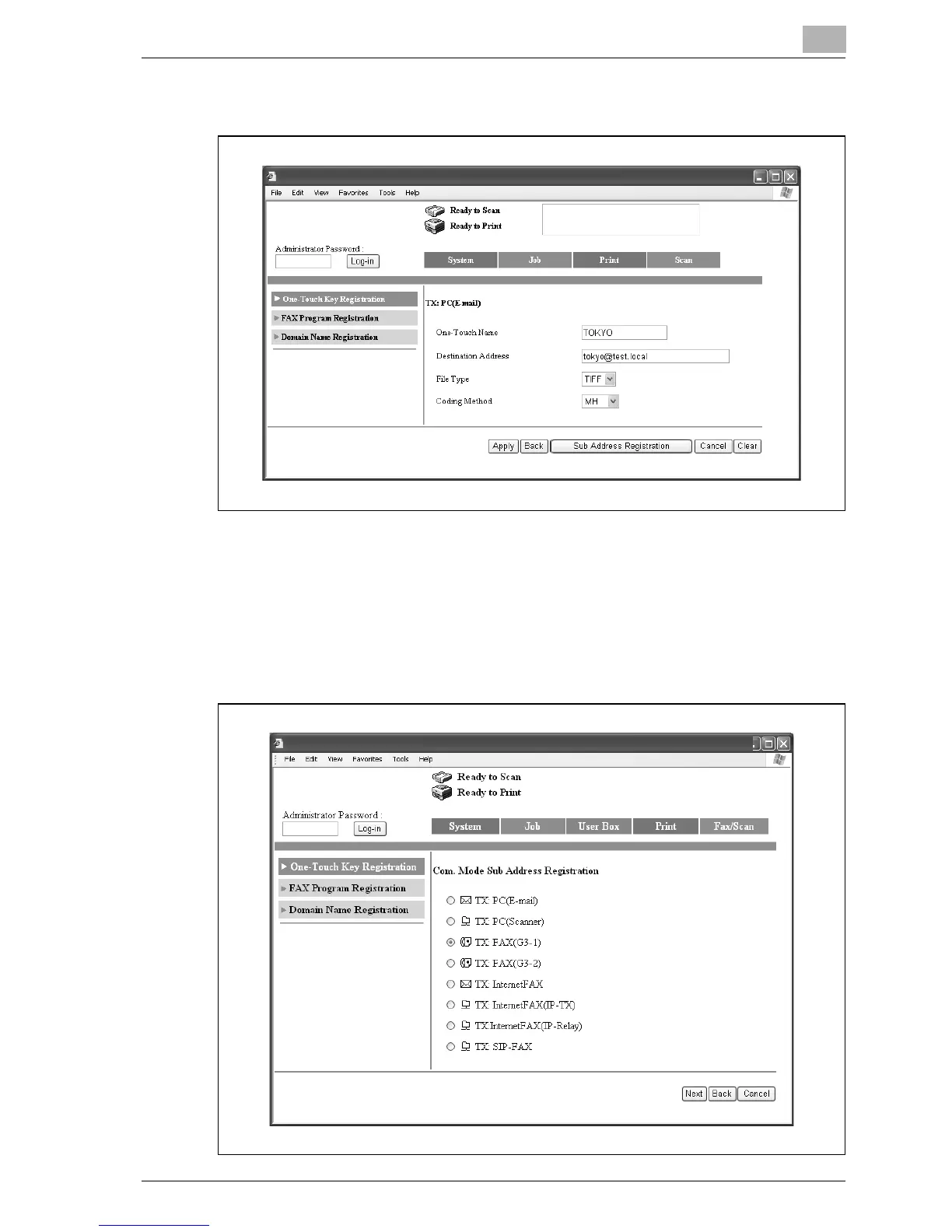
3 Click [Sub Address Registration].
4 Select the communication mode for the secondary recipient, and then
click [Next].
– If mode 476 of the software switch settings was changed, only
communication modes that can be selected appear. For details,
refer to "Specifying software switch settings (machine functions)"
on page 10-28.



 To Next Page