9
Specifying settings using Web Connection
9-28 VarioLink 2221/2821/3621
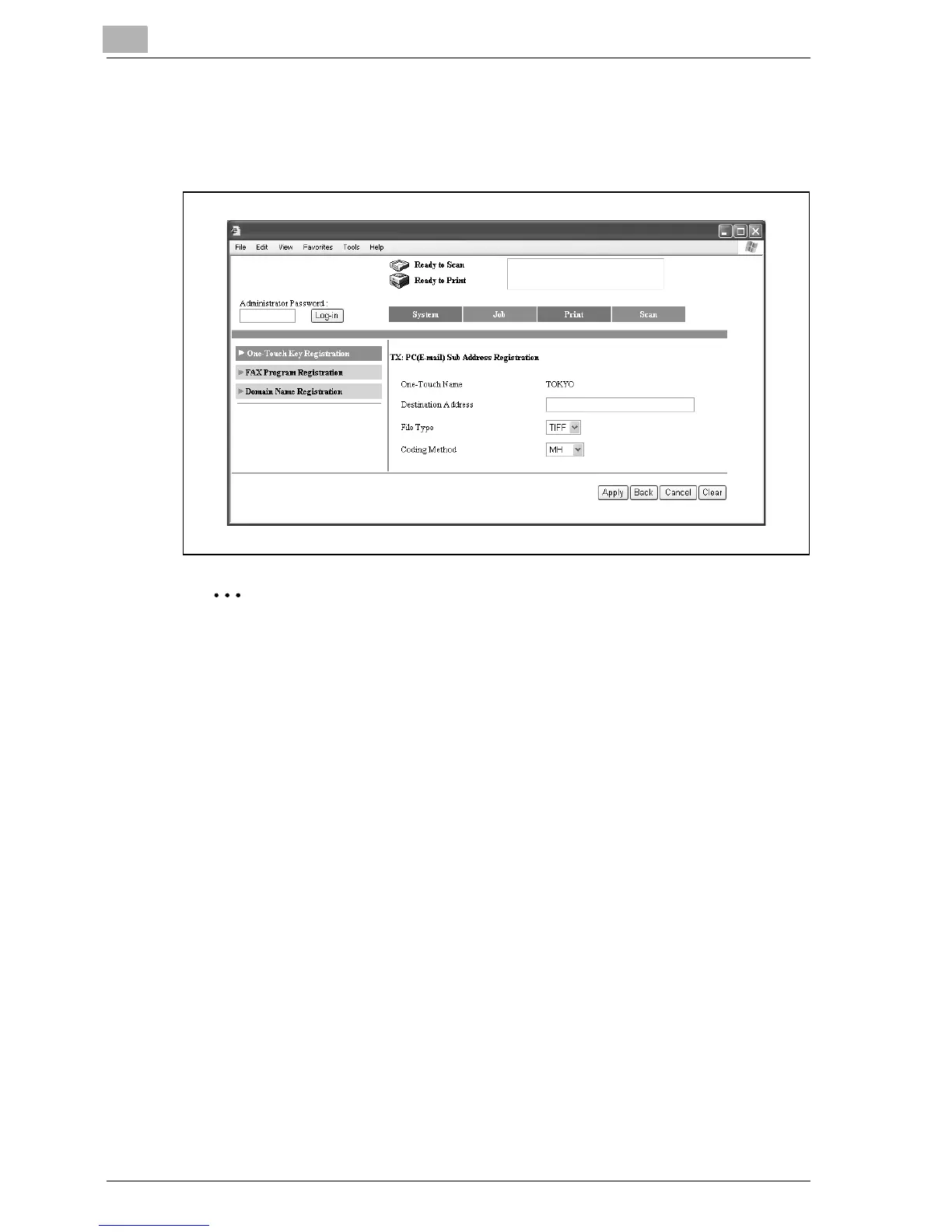
5 Specify the various settings, and then click [Apply].
– For details on the parameters, refer to "One-Touch Key Registration
(User mode)" on page 9-14.
Note
The name that appears beside "One-Touch Name" is the same as that
specified for the main recipient. Settings for all other parameters can be
specified.
To delete the registered secondary recipient, click [Sub Address Delete].



 To Next Page