Features
2
VarioLink 2221/2821/3621 2-3
2Features
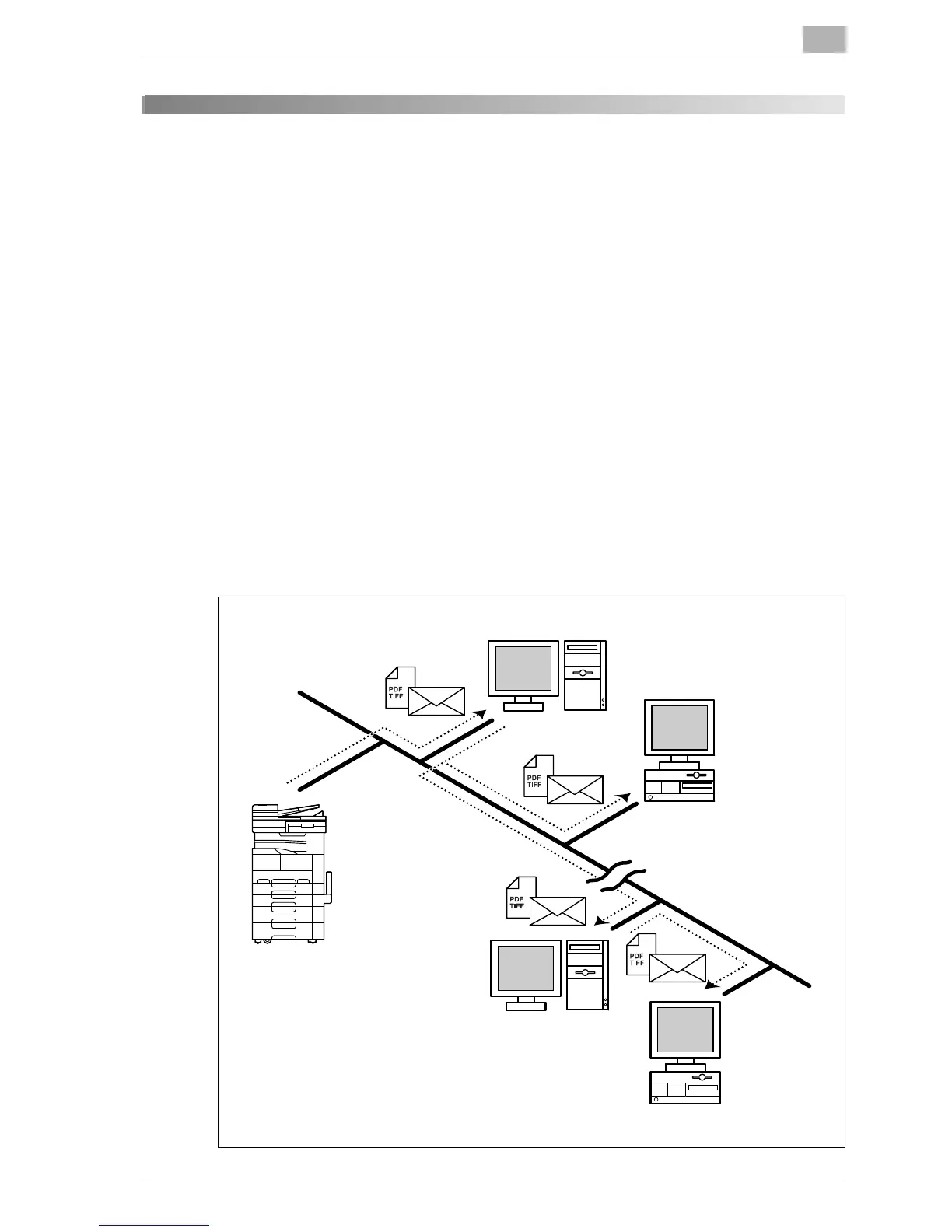
2.1 Scan to E-Mail
The Scan to E-Mail operation is used to send images scanned on this
machine as e-mail attachments. By registering a destination with a one-
touch dial button, paper documents can be sent by e-mail simply by
touching a button in the One-Touch screen.
- The original document is attached to an e-mail (MIME format) and sent as
an image file in the TIFF format or the PDF format. In order to view the
received image on a computer, e-mail software that supports the MIME
format and software that displays the TIFF format or PDF format must be
installed.
- Images in the TIFF format can be viewed with a TIFF viewer, which is
standard in Windows.
- Images in the PDF format can be viewed with Adobe Reader.
- This machine must be connected to a LAN, and the network settings
must be specified. For details, refer to Chapter 2, "Setup" on page 3-3.
- For details, refer to Chapter 3, "Scan to E-Mail" on page 4-3.
Internet
Client computer
Client computer
E-mail server
E-mail server
Intranet



 To Next Page