2
Features
2-4 VarioLink 2221/2821/3621
2.2 Scan to FTP
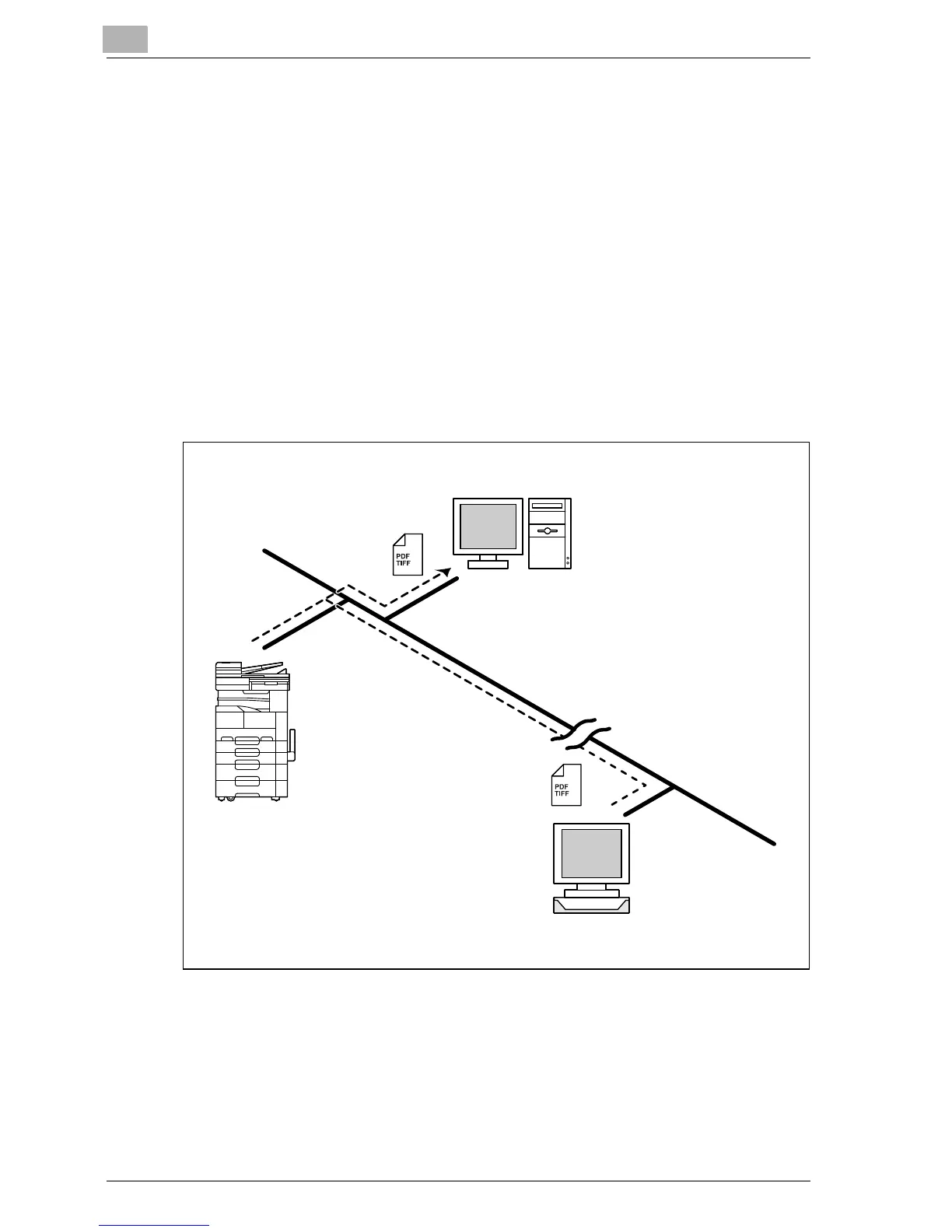
The Scan to FTP operation is used to upload the scanned data of an original
document to an FTP sever on a network. By registering a destination with a
one-touch dial button, paper documents can be converted into data and
uploaded simply by touching a button in the One-Touch screen. The
uploaded data can be downloaded to a computer on the network.
- The original document is sent as an image file in the TIFF format or the
PDF format.
- You can specify whether to have an e-mail message sent to notify you of
the location where the data was saved when the FTP transmission is
complete (E-mail Notification function).
- This machine must be connected to a LAN, and the network settings
must be specified. For details, refer to Chapter 2, "Setup" on page 3-3.
- For details, refer to Chapter 4, "Scan to FTP" on page 5-3.
FTP server
Intranet
Internet
FTP server



 To Next Page