Important
• The virtual switch must be configured with a static IP address. The IP address cannot be
within the subnet of an interface that is currently in use.
• The IP address of the virtual switch cannot be in a reserved range that doesn't support
forwarding:
• 127.xxx.xxx.xxx
• 169.254.xxx.xxx
• 192.0.2.xxx
• 198.51.100.xxx
• 203.0.113.xxx
b. Optional: Enable the DHCP Server.
Important
• The virtual switch must be configured with a static IP address. The IP address cannot be
within the subnet of an interface that is currently in use.
• To avoid IP address conflicts, do not enable DHCP server if there is another DHCP server
running on the local network.
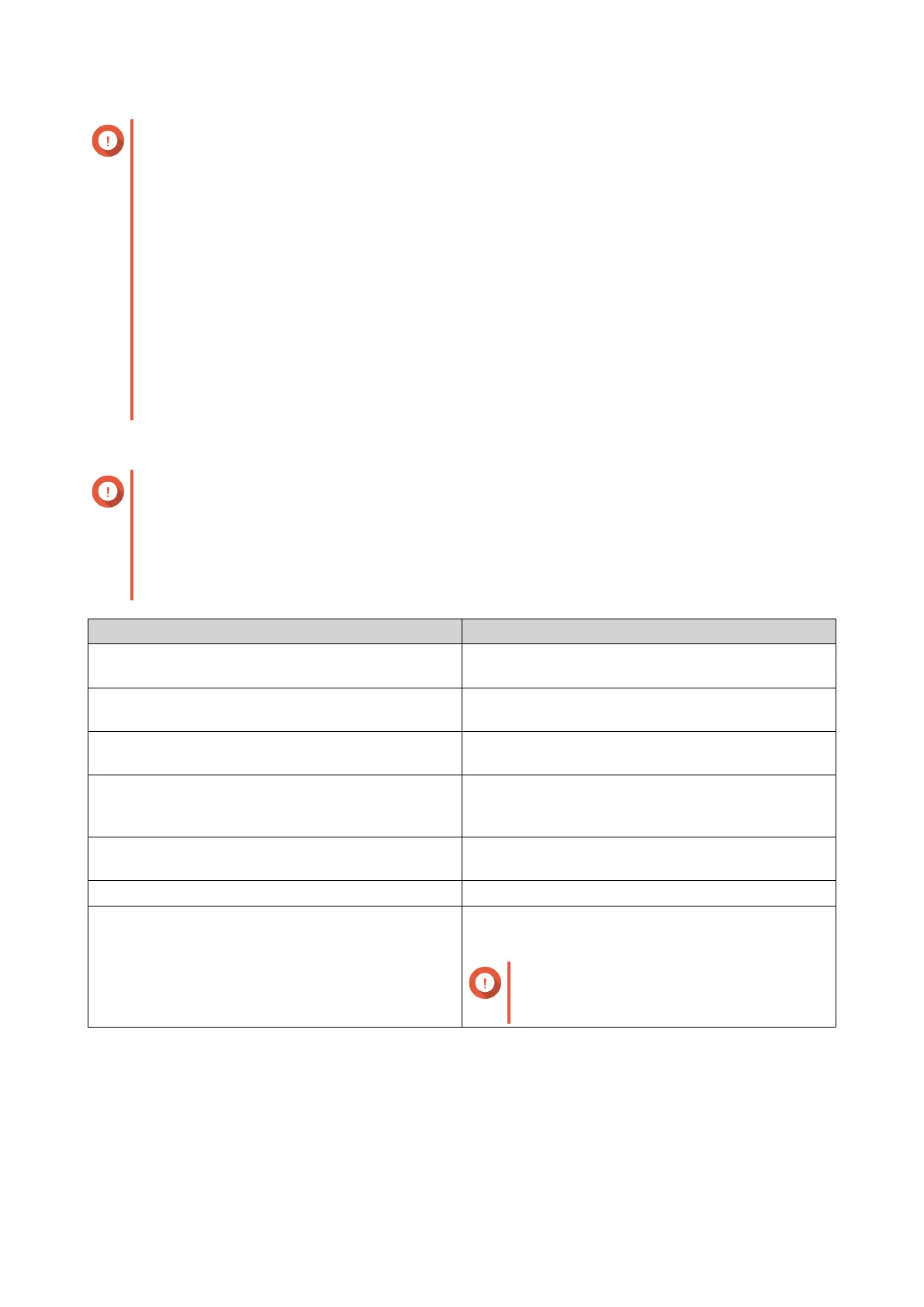
Setting Description
Start IP Address Specify the starting IP address in a range allocated
to DHCP clients.
End IP Address Specify the ending IP addresses in a range allocated
to DHCP clients.
Subnet Mask Specify the subnet mask used to subdivide your IP
address.
Lease Time Specify the length of time that an IP address is
reserved for a DHCP client. The IP address is made
available to other clients when the lease expires.
Default Gateway Specify the IP address of the default gateway for the
DHCP server.
Primary DNS Server Specify a DNS server for the DHCP server.
Secondary DNS Server Specify a secondary DNS server for the DHCP
server.
Important
QNAP recommends specifying at least
one DNS server to allow URL lookups.
QTS 4.5.x User Guide
Network & Virtual Switch 427



 To Next Page
 Loading...







