R&S
®
ZVA / R&S
®
ZVB / R&S
®
ZVT GUI Reference
Trace Menu
Operating Manual 1145.1084.12 – 30 224
between the measured quantity and the sweep variable (stimulus variable). Similar to this segmentation,
ripple limits may be defined in several ranges. The limit lines can be stored to a file and recalled. Data or
memory traces can be used to define the segments of an upper or lower limit line. Moreover it is possible
to modify the upper and lower limit lines globally by adding an offset to the stimulus or response values.
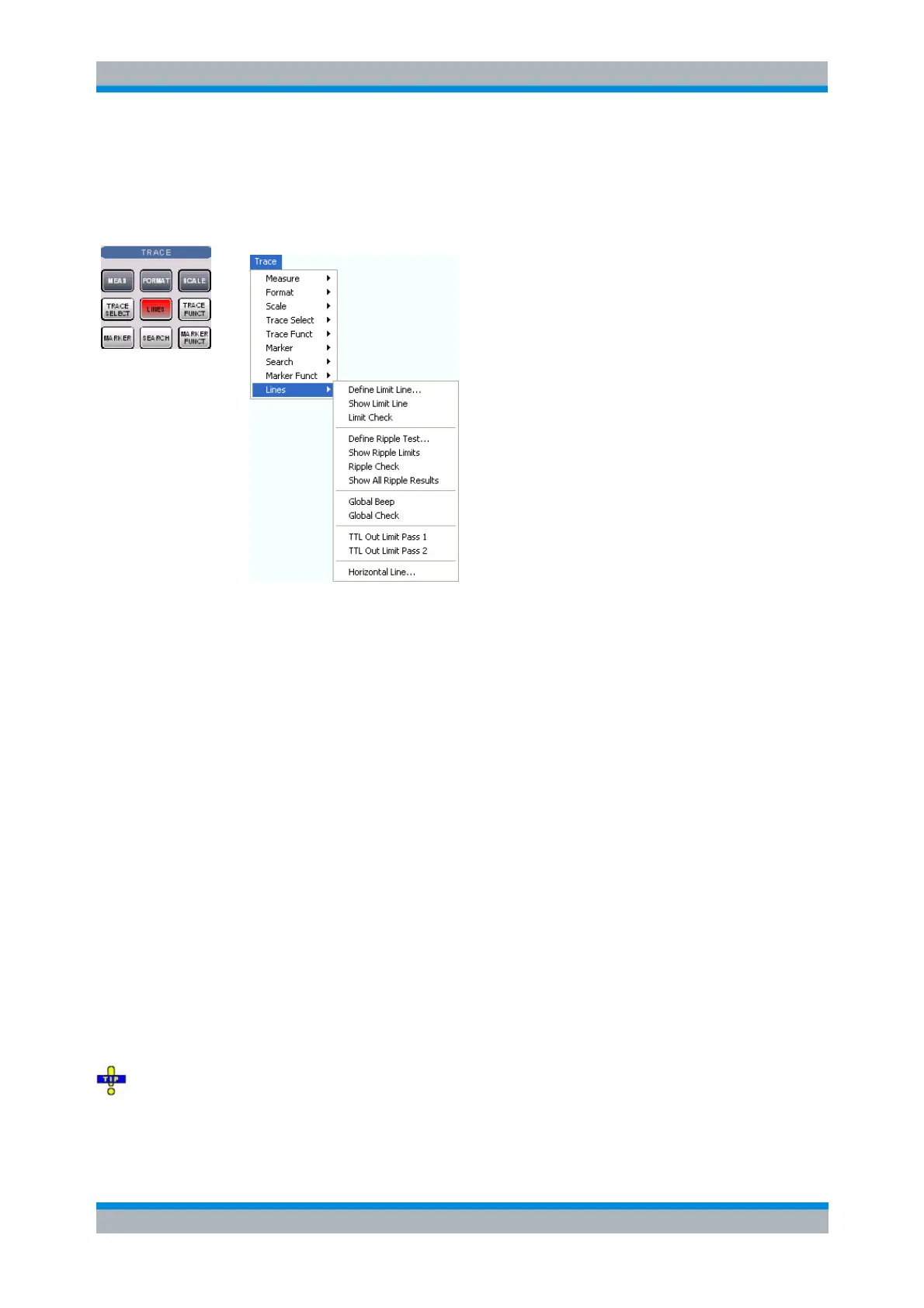
Define Limit Line opens a dialog to define, save or recall limit lines.
Show Limit Line displays or hides the limit line associated to the active trace.
Limit Check activates or deactivates the limit check.
The commands in the second section of the submenu configure the ripple check.
Global Beep activates or deactivates the acoustic signal indicating a limit or ripple limit excess.
Global Check activates a global (composite) limit and ripple limit check on all traces in the active
setup.
TTL Out Pass 1/2 activates or deactivates a TTL output signal at the USER CONTROL connector
indicating whether the trace was passed or failed.
Horizontal Line... displays or hides the horizontal line of the active trace and changes its position.
Limit lines are available for all Cartesian diagram types (Trace – Format). For polar diagrams, the
functions of the Lines submenu except the Global Check are grayed. The limit lines are hidden and the
limit check (except the global check and the global ripple check) is disabled when a Cartesian trace format
is replaced by a polar diagram.
Define Limit Line
Opens a dialog to define the limit line for the active trace on a segment-by-segment basis. In each
segment the limit line is defined as a straight line connecting two points.
Creating limit lines with minimum effort
Choose one of the following methods to efficiently create and handle limit lines:



 To Next Page