R&S
®
ZVA / R&S
®
ZVB / R&S
®
ZVT GUI Reference
Channel Menu
Operating Manual 1145.1084.12 – 30 498
[SENSe<Ch>:]CORRection:EDELay<port_no>:ELENgth
[SENSe<Ch>:]CORRection:LOSS<port_no>
[SENSe<Ch>:]CORRection:LOSS<port_no>:FREQuency
[SENSe<Ch>:]CORRection:LOSS<port_no>:OFFSet
[SENSe<Ch>:]CORRection:OFFSet<port_no>:DFComp[:STATe]?
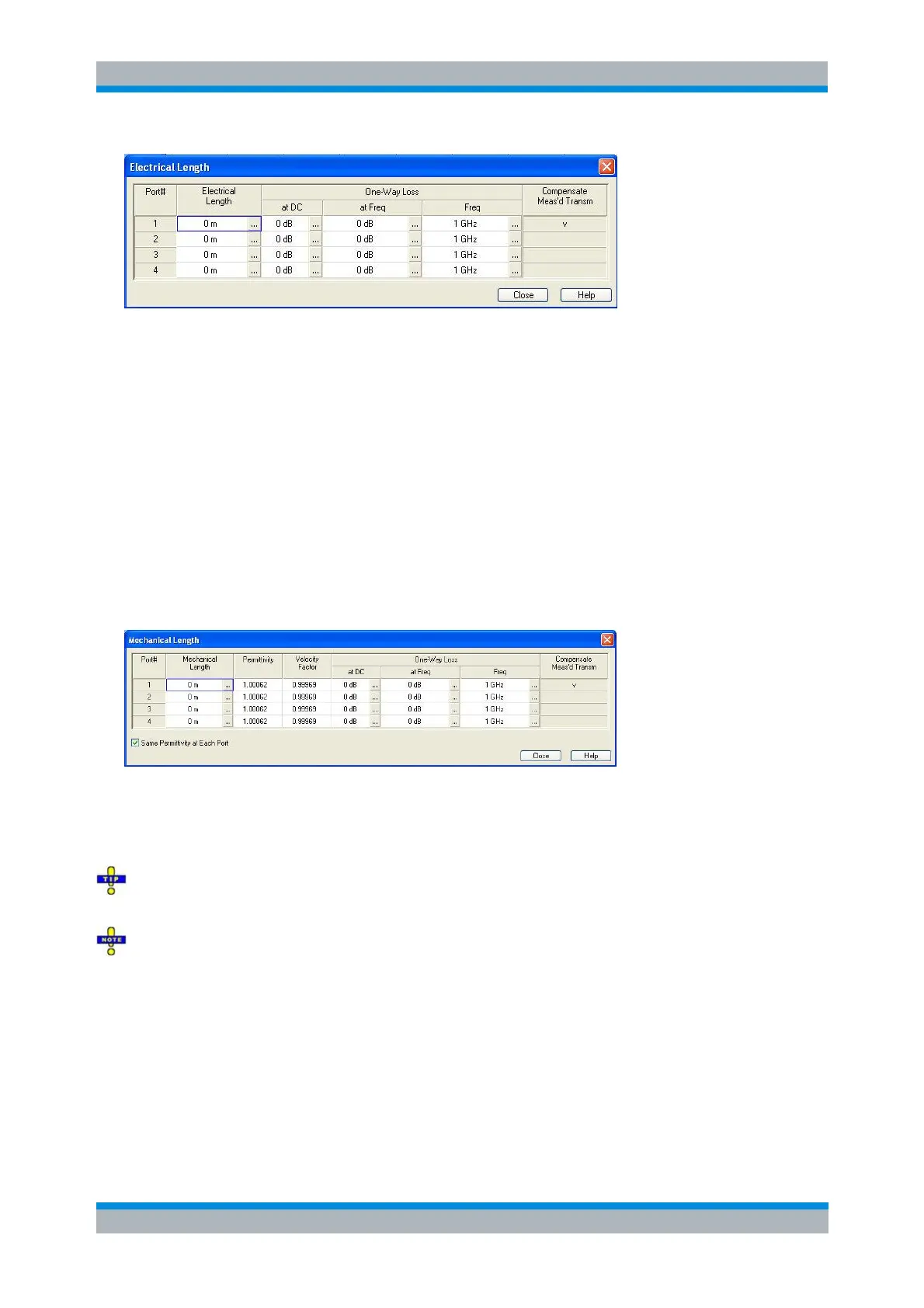
Mechanical Length
Opens a dialog to define length offset parameters for the physical test ports as mechanical lengths and
permittivities. The dialog also contains the DC loss, the loss at the reference frequency Loss(f
ref
), and the
reference frequency f
ref
; see Loss parameters: Definition above.
Compensate Meas's Transm. indicates the ports for which a direct fixture compensation has been carried
out, replacing the offset parameters.
The Mechanical Length dialog contains the three editable columns Mech. Length, Permittivity (ε
r
) and
Velocity Fact. The velocity factor is 1/sqrt(ε
r
) and is a measure for the velocity of light in a dielectric with
permittivity ε
r
relative to the velocity of light in the vacuum (velocity factor < 1); see Offset parameters:
Definition above. Permittivity and velocity factor are coupled parameters.
Click Same Dielectric at Each Port to change the permittivity or velocity factor for all ports by entering
a single value.
Since the loss at the reference frequency is stored as loss per length, it can only be changed if the
corresponding length is larger than zero.
[SENSe<Ch>:]CORRection:EDELay<port_no>:DISTance
[SENSe<Ch>:]CORRection:EDELay<port_no>:DIELectric
[SENSe<Ch>:]CORRection:LOSS<port_no>
[SENSe<Ch>:]CORRection:LOSS<port_no>:FREQuency
[SENSe<Ch>:]CORRection:LOSS<port_no>:OFFSet
[SENSe<Ch>:]CORRection:OFFSet<port_no>:DFComp[:STATe]?



 To Next Page