28
Sending a fax
With the optional CE-FM4 Fax/Modem connected to your unit, you can fax Filer, Documents, Notes or Scrapbook entries to
a remote facsimile machine.
1.
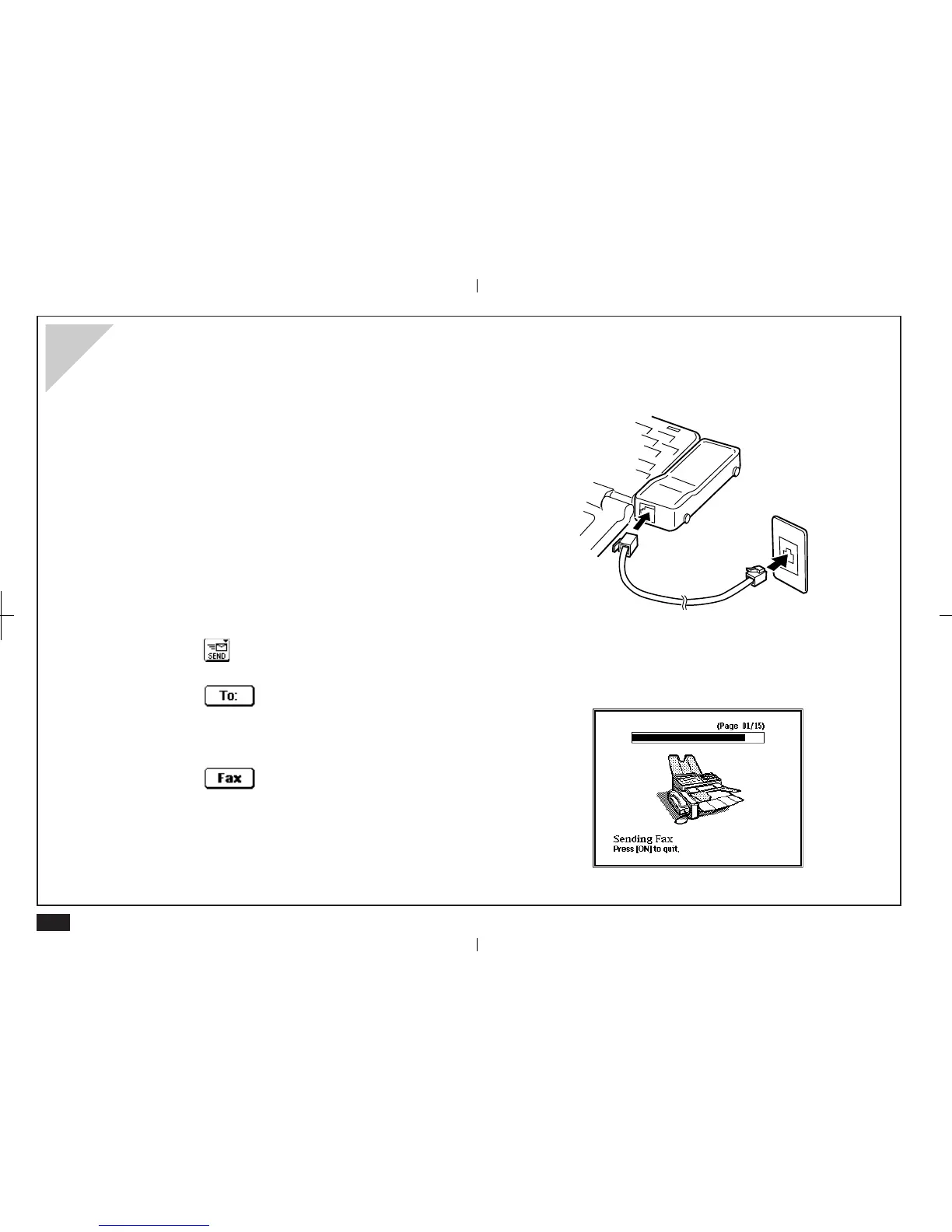
Connect your unit and the CE-FM4 Fax/Modem.
Make sure the Fax/Modem is plugged into a wall
jack.
For details about connecting the CE-FM4, see the CE-
FM4 manual.
2.
Select a single entry or a Filer folder to be sent.
3.
Touch and select "Fax".
4.
Touch and select a recipient from your
Contacts file.
5.
Touch .
For details, see Faxes on p. 195.



 To Next Page